

Stop wasting hours grading your footage. Tonelab does it in seconds.
Tonelab Chroma™ is a one-click color grading solution for DaVinci, Premiere & After Effects. Join 6,000+ users worldwide and change the way you color grade.

Still fighting LUTs, node trees and slow grades?
AI grading - slow & expensive
Traditional AI grading is trial-and-error and burns through your credits.
Grade in seconds, every time
Chroma outperforms any AI tool. Grade projects in hours, not days.
Basic LUTs aren't flexible
Most LUTs work on one clip, then fall apart on the next.
High flexibility & robustness
One click converts your footage, then adjust any of 65 proven Looks to fit.
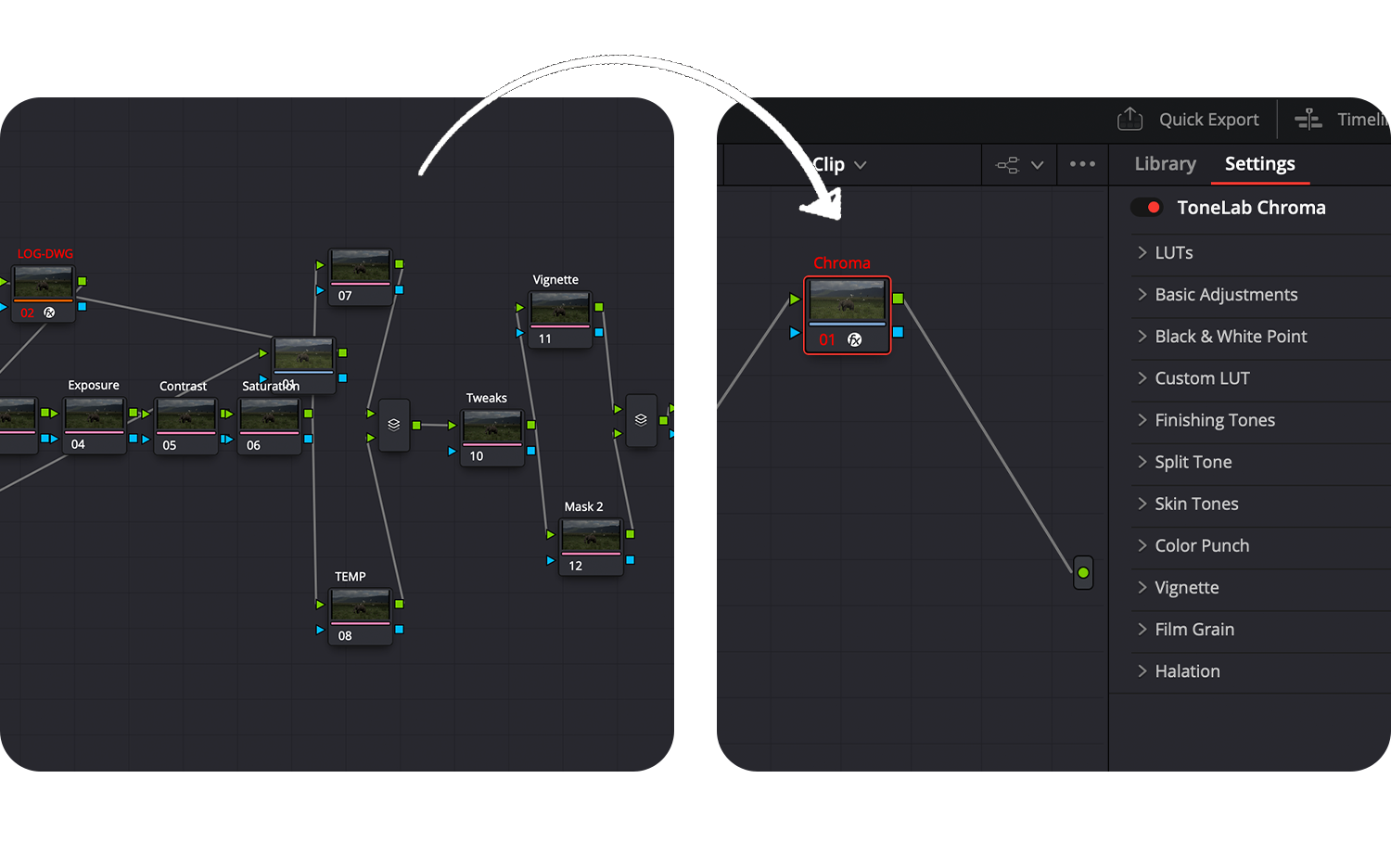
Messy node trees (DaVinci)
PowerGrade node trees mean hours of tedious, manual tweaking.
One panel does it ALL
Chroma handles the hierarchy for you. Every adjustment stays clean and organized.
Most plugins are Pro-only
Most grading tools are built for pros and miss what filmmakers need.
Built for all filmmakers
Fast and simple. No steep learning curve, no color theory required.
Ready to save HOURS of work?
One panel, which is like a cheat code to epic colors.
Stop wasting time building, linking, and managing messy color nodes. ToneLab Chroma packs your entire color suite into one intuitive interface.
Compatible with?
DaVinci Resolve • Premiere Pro • After Effects


DaVinci Resolve
Windows + Mac M1 & newer


Adobe Premiere Pro
Windows + Mac M1 & newer


Adobe After Effects
Windows + Mac M1 & newer
Join 6,000+ ToneLab Users worldwide
Why this plugin pays for itself:
Grading a single project by hand can eat up 1-2 full days. Chroma™ gets you there in 1-2 hours. That's not a minor time save, that's your entire investment back in half a day of work, on just one job. Every project after that? Pure time back in your pocket.
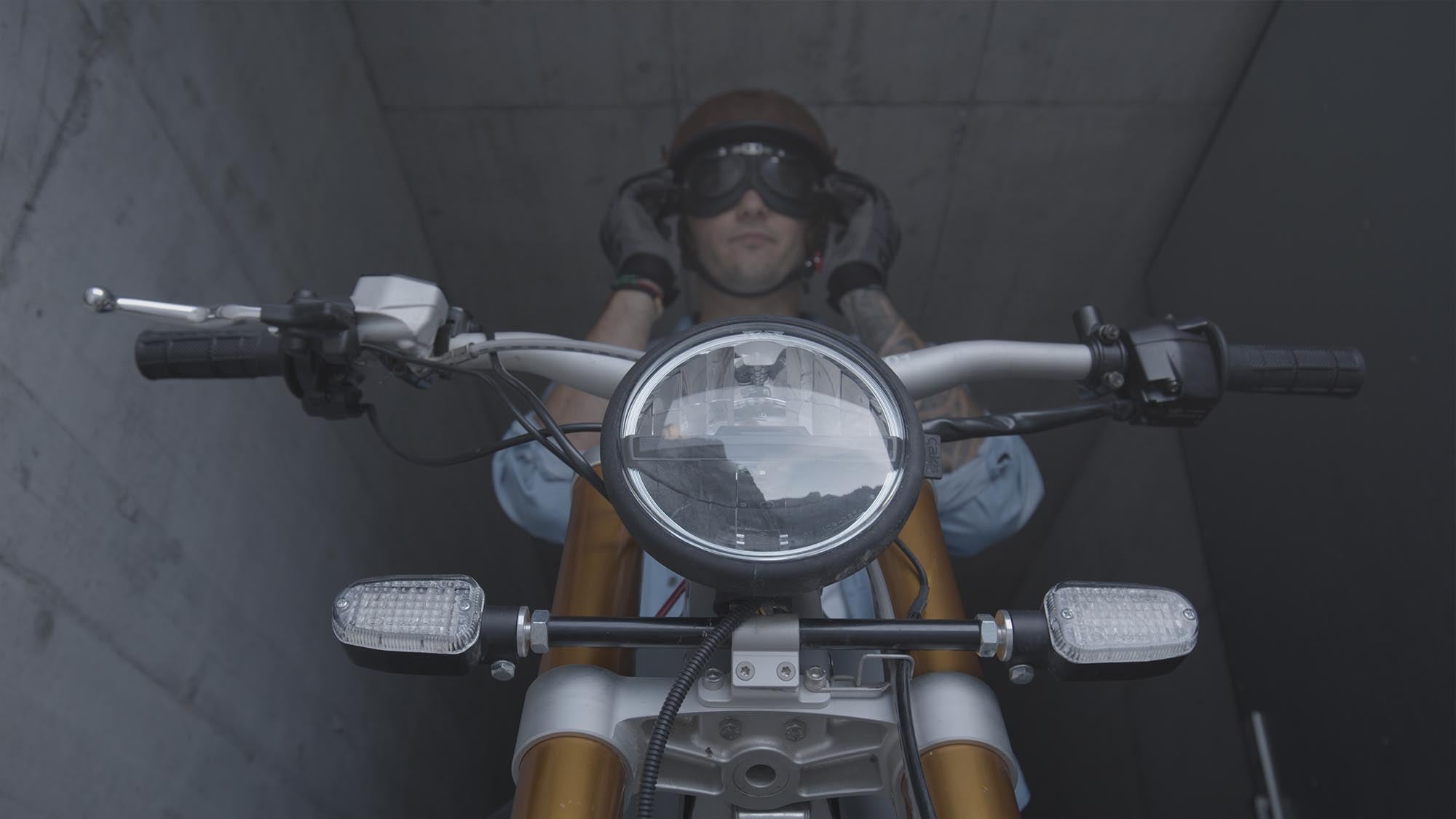
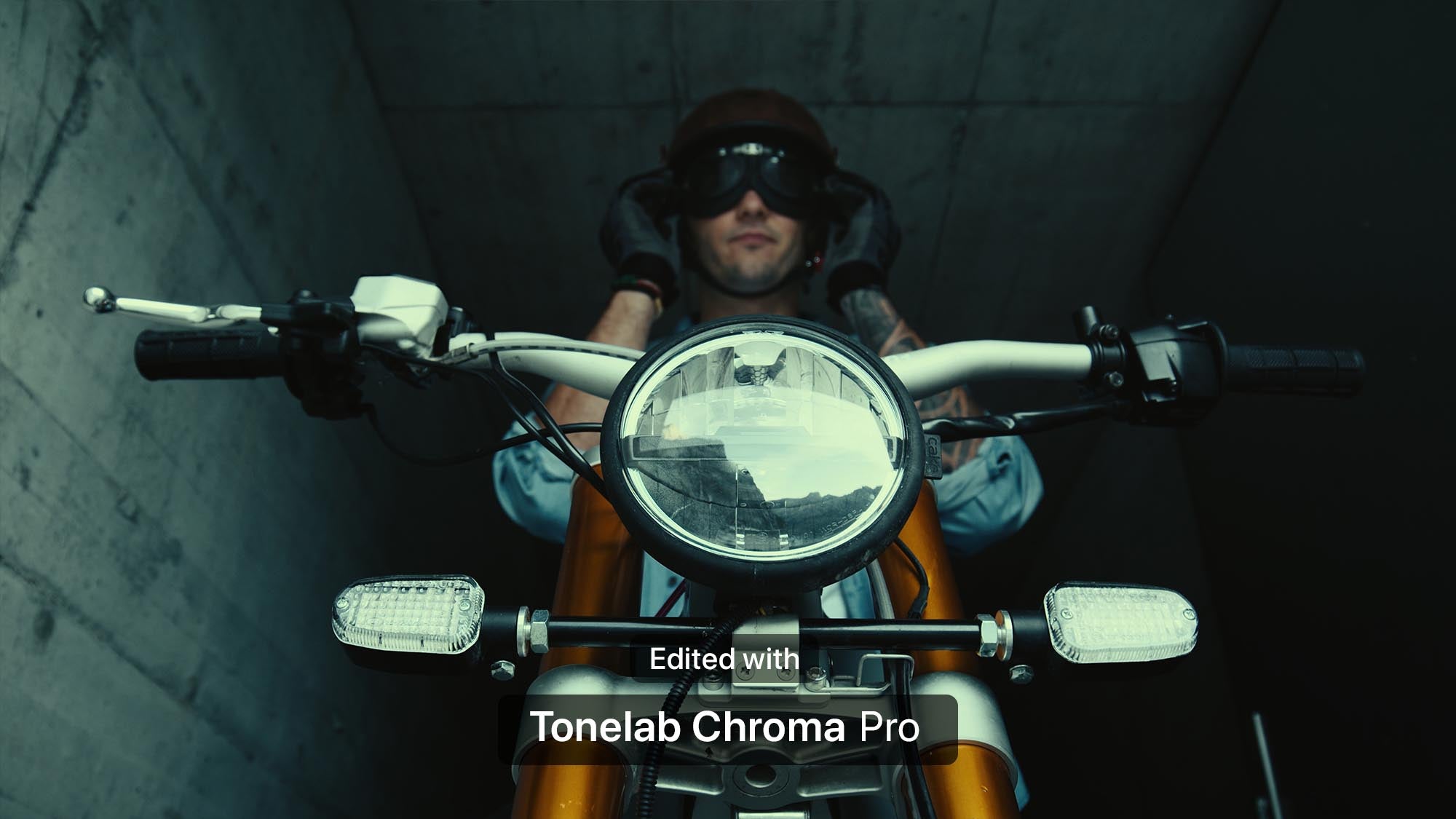
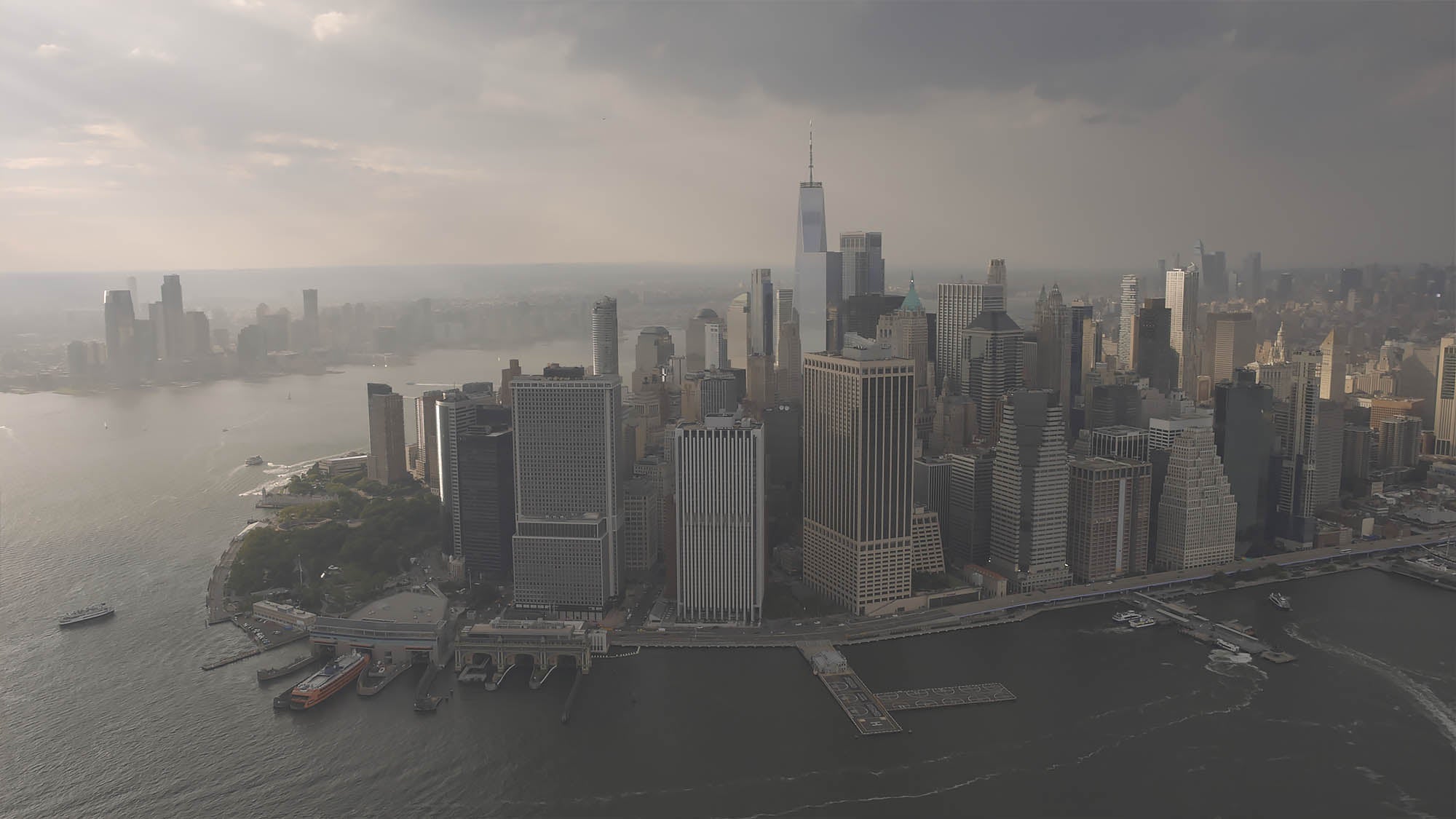
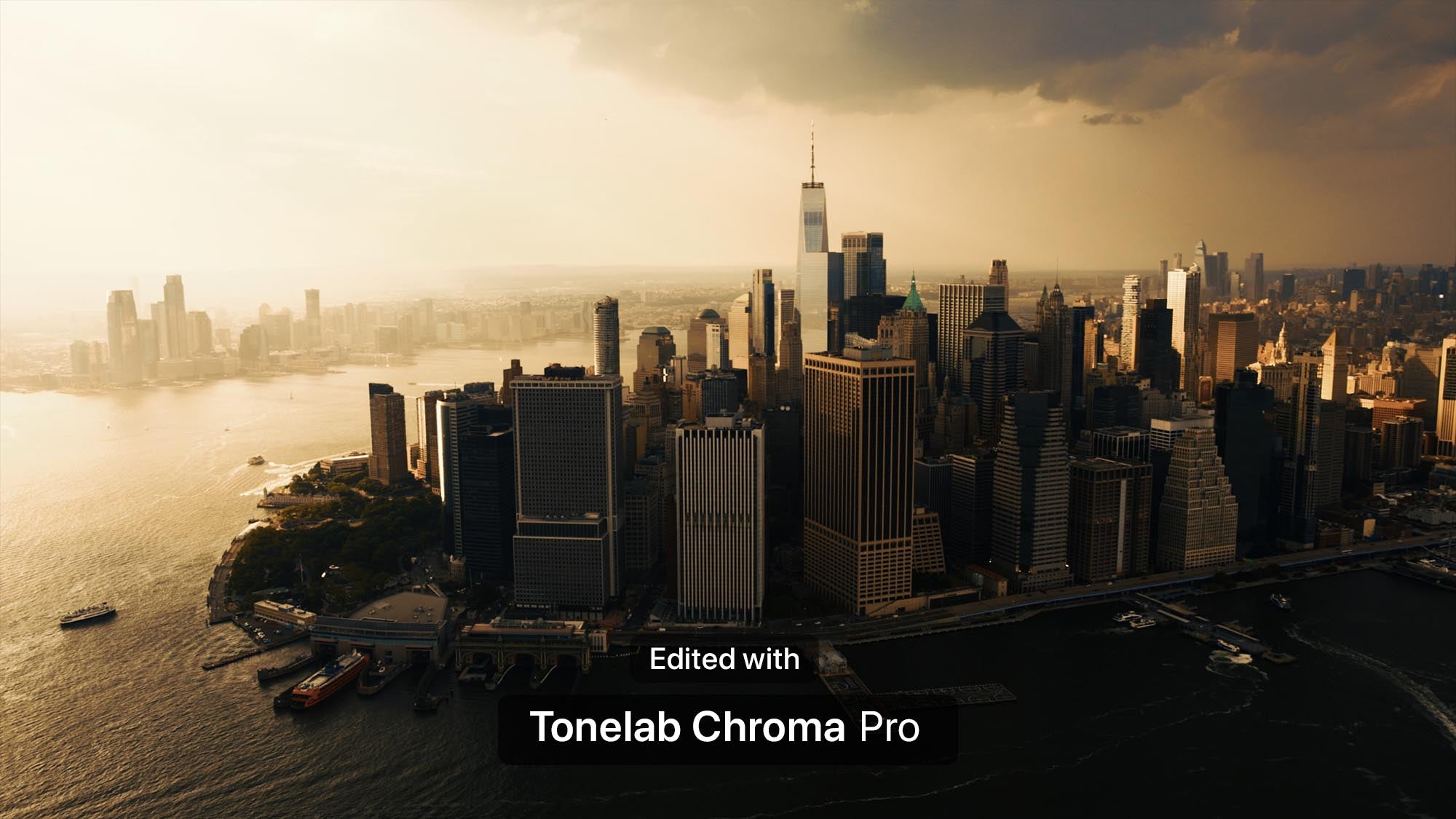
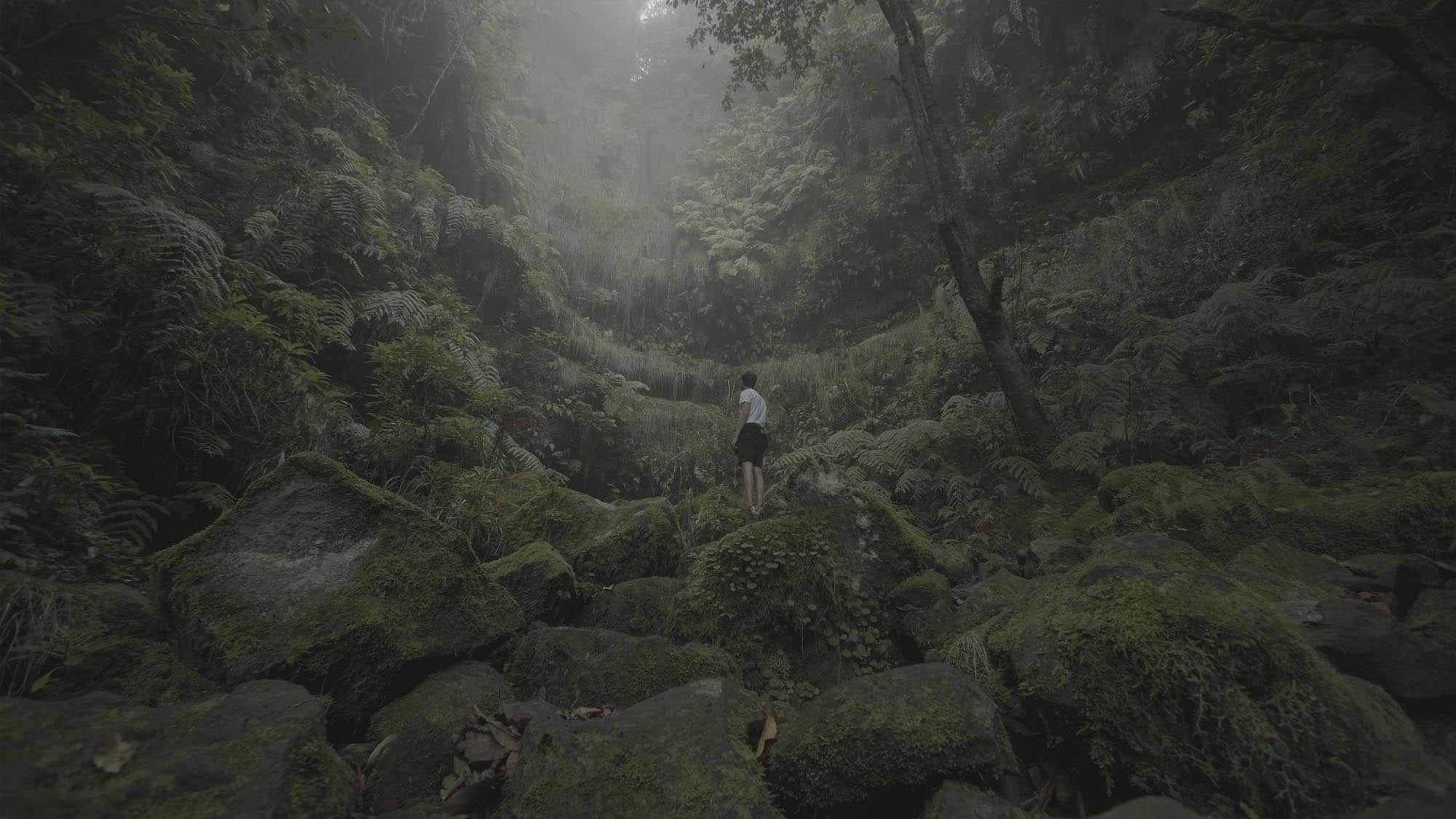
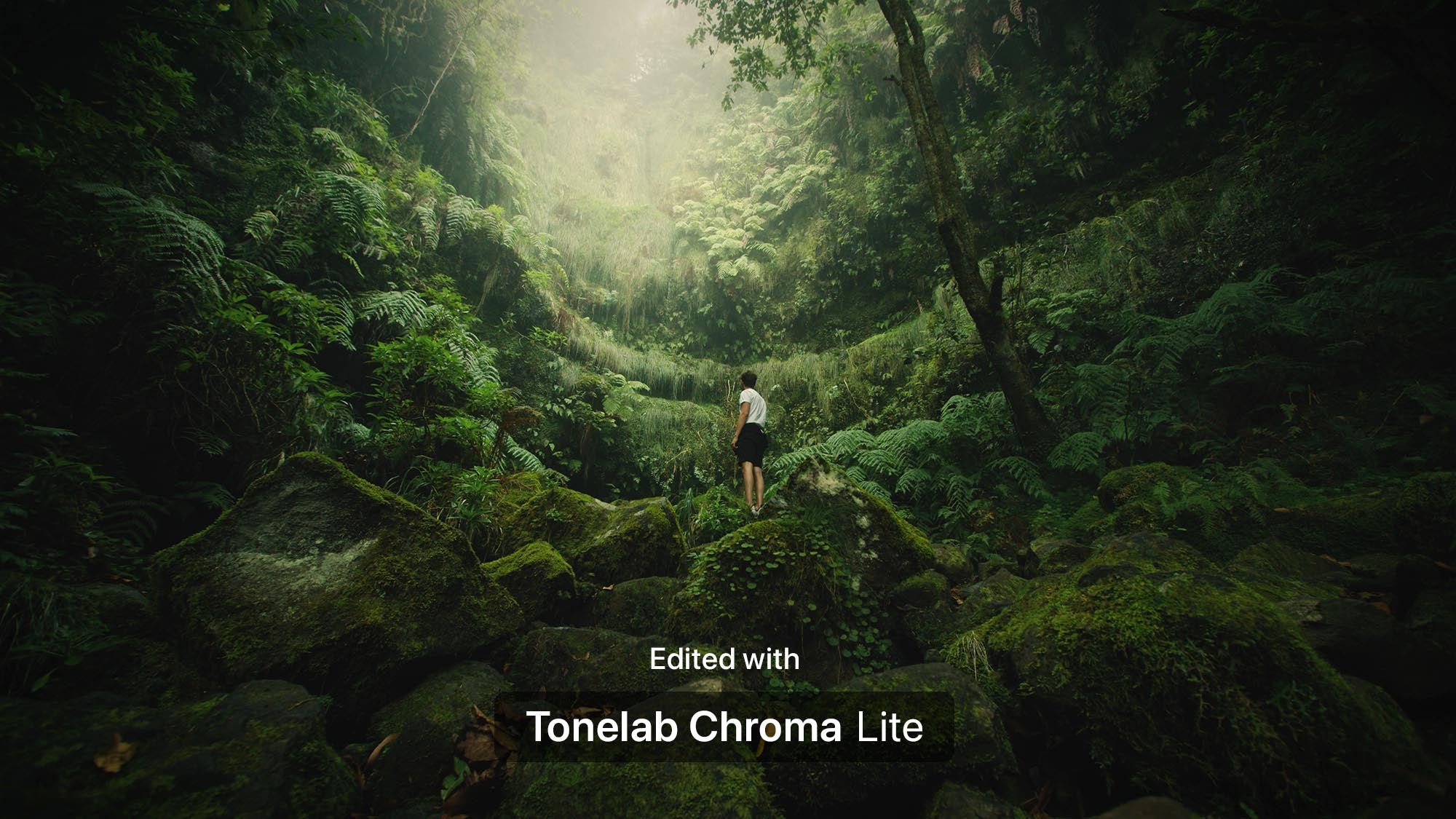
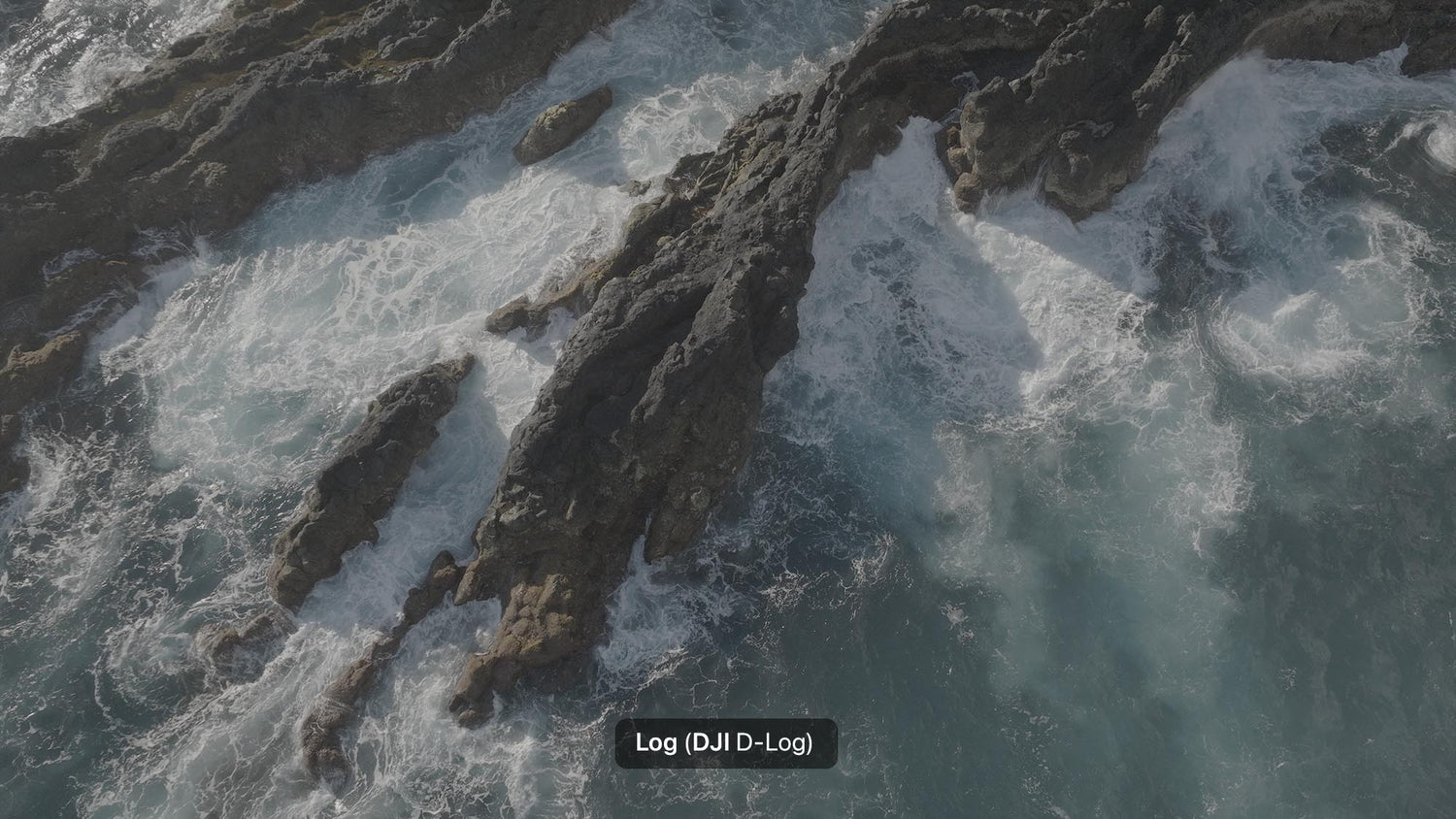
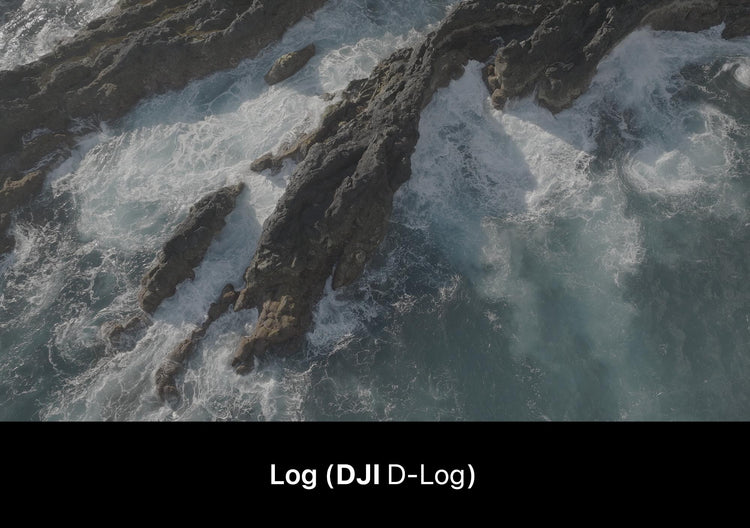
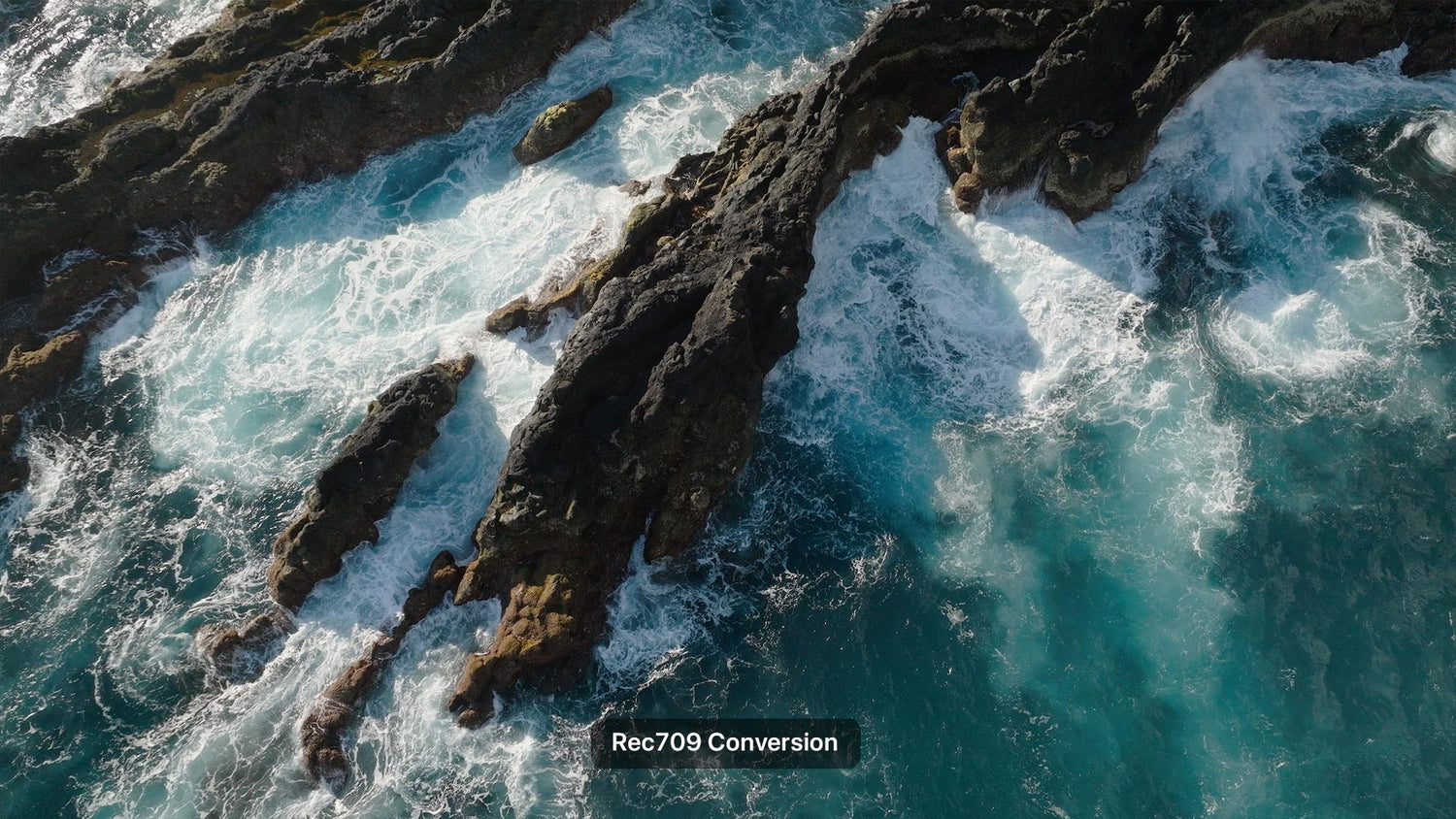
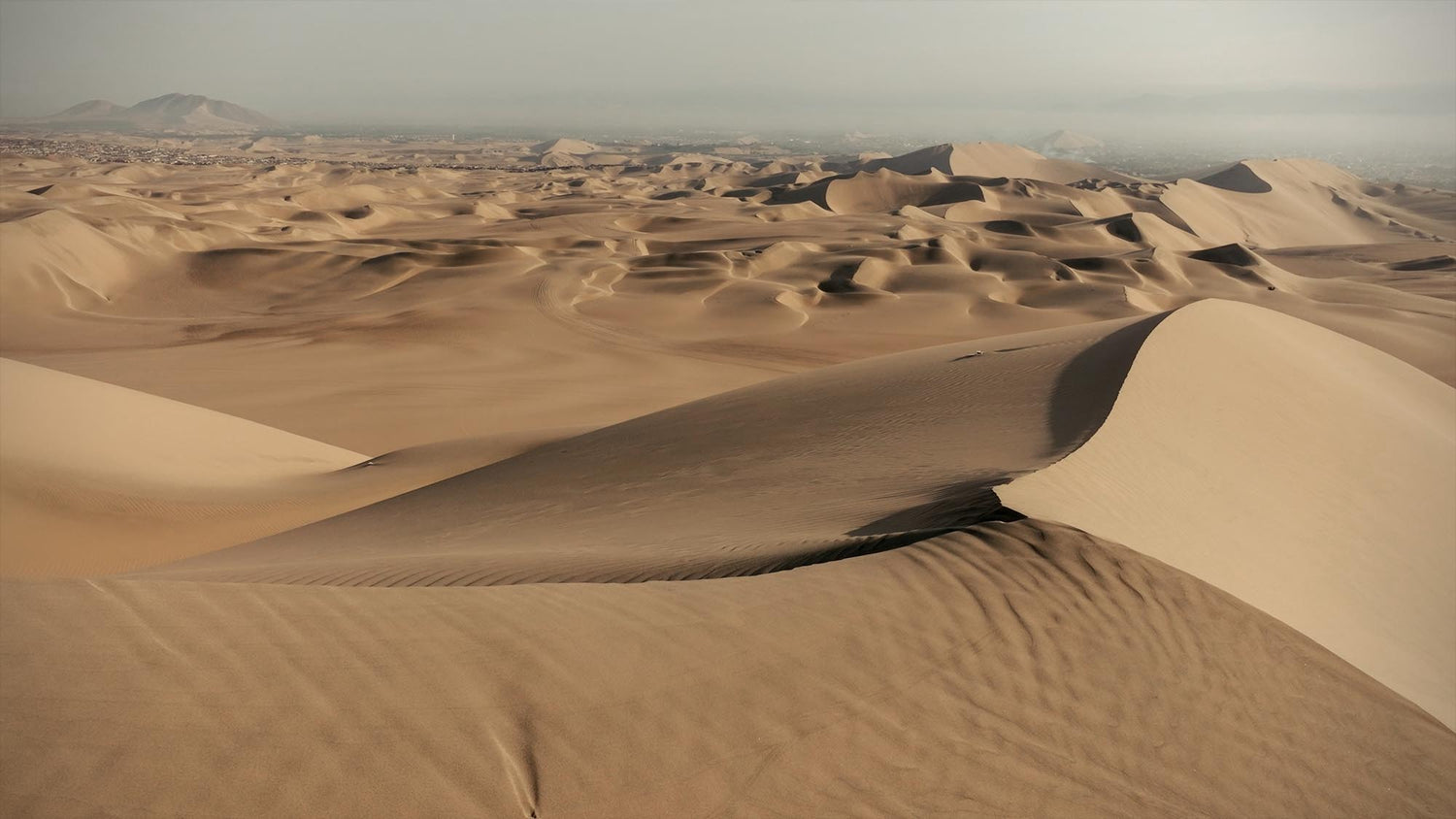
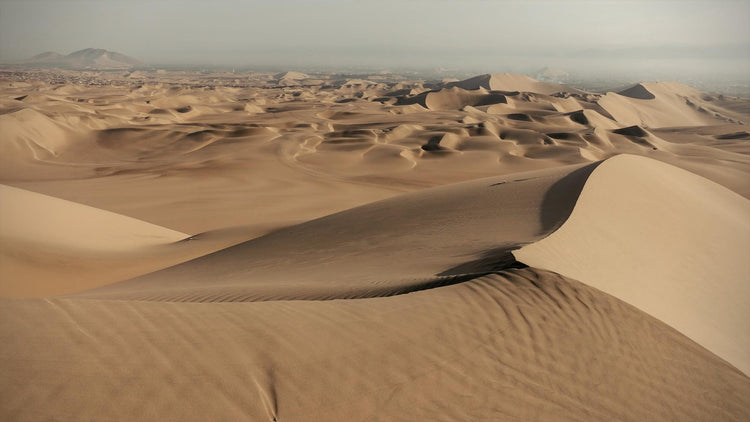
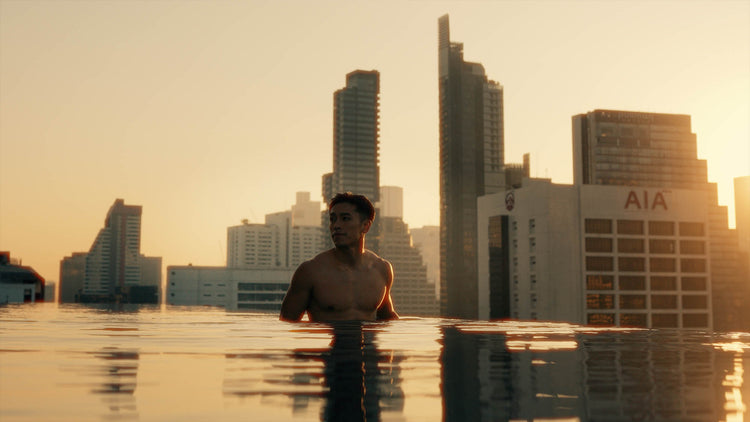
Before vs After
Color graded in less than 60 seconds using ToneLab Chroma™
Discover all features.
Please note: Select features are available exclusively in the PRO Version.
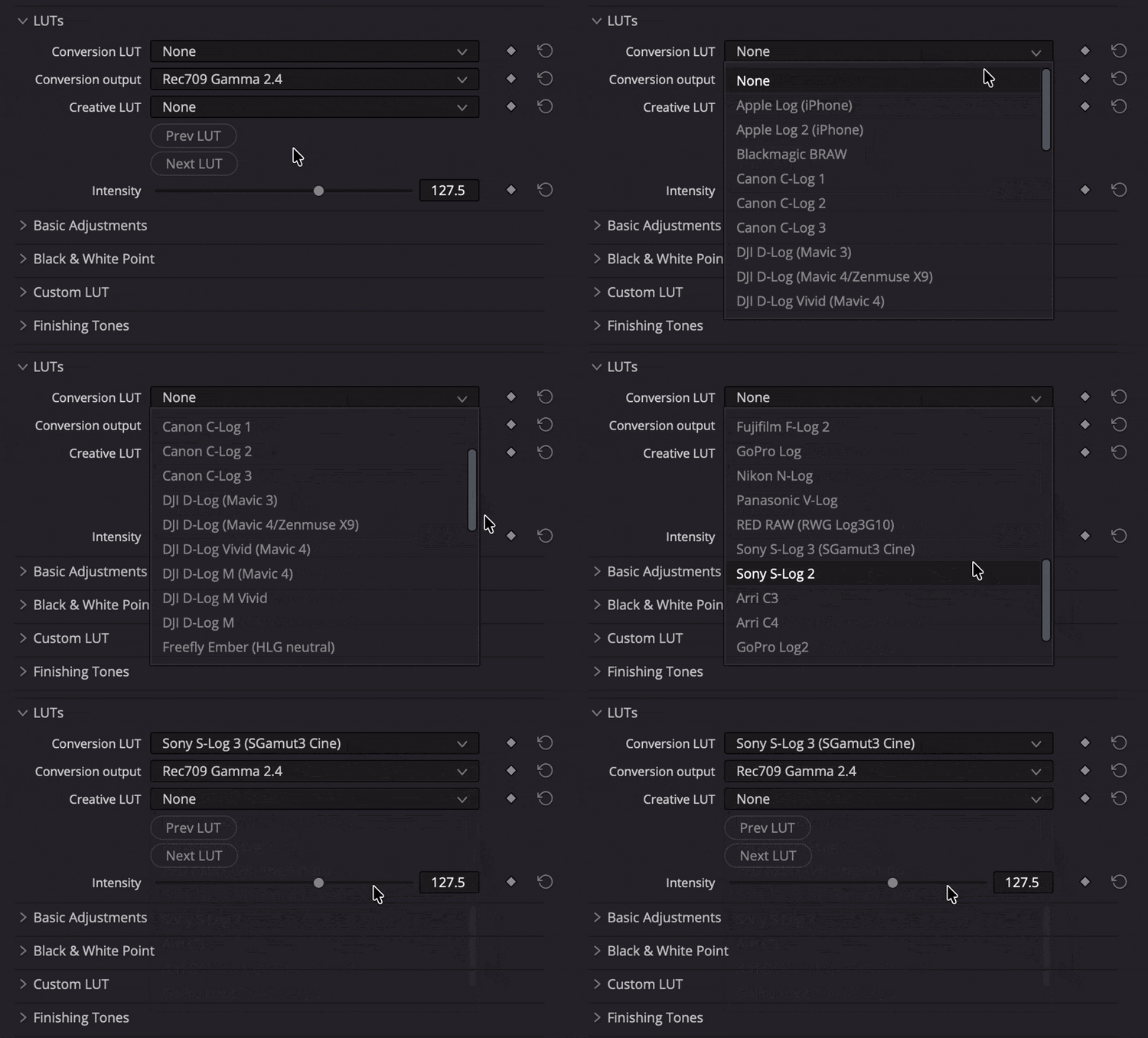
Conversion LUTs
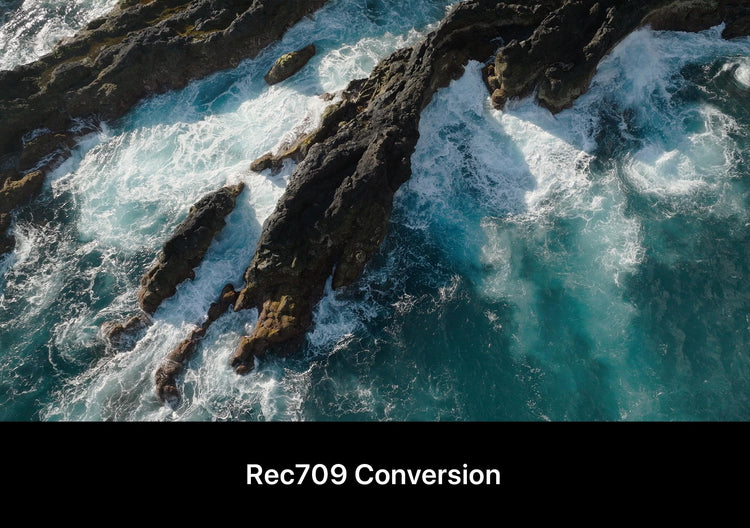
28 precision technical Conversion LUTs to instantly convert flat LOG or RAW footage from over 50 cameras to Rec709.
✓ 30 highly optimized Conversion LUTs for 50+ cameras
Not sure if your camera is supported? Check the list at the bottom of this page or contact us.
Creative LUTs
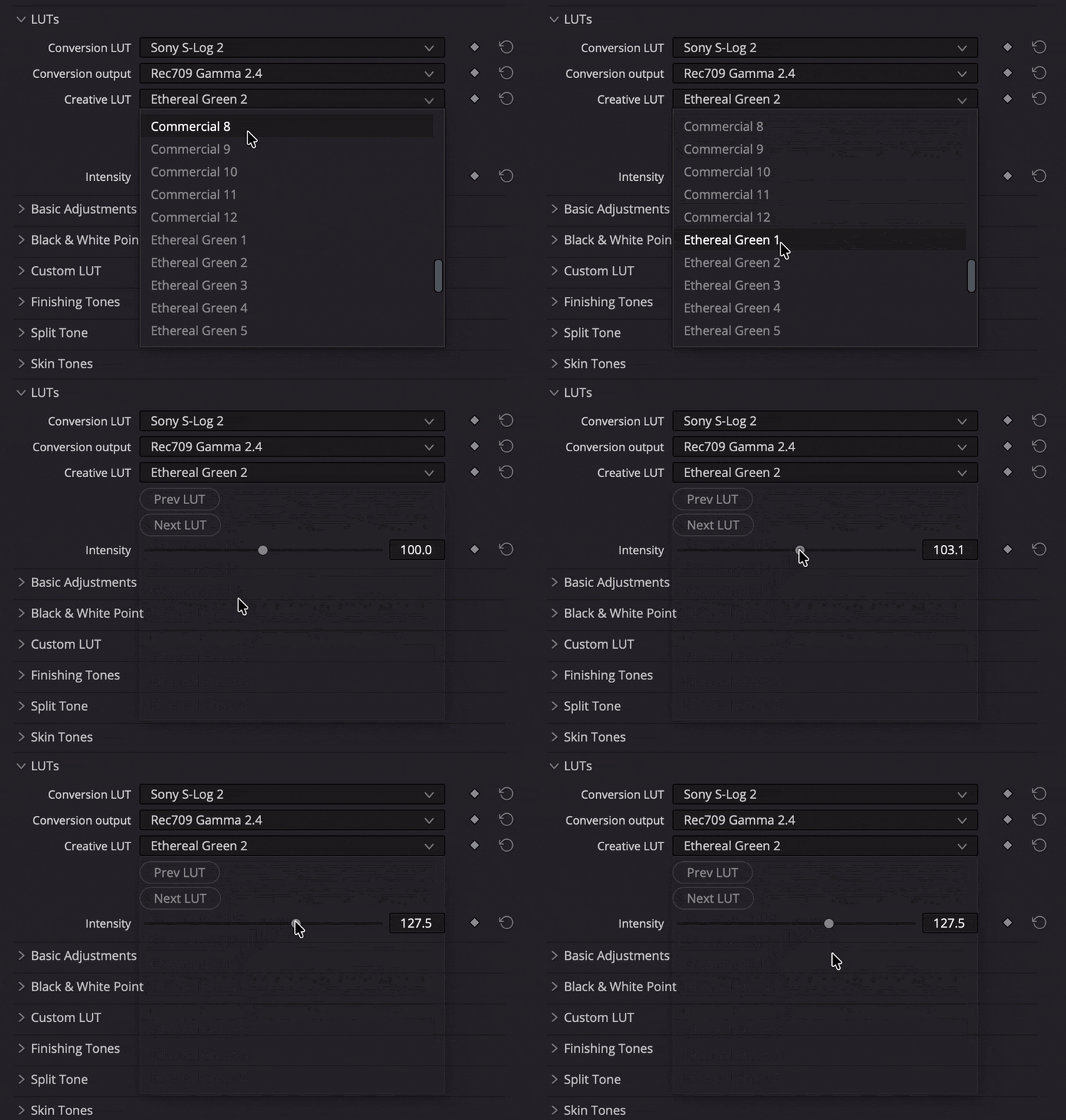
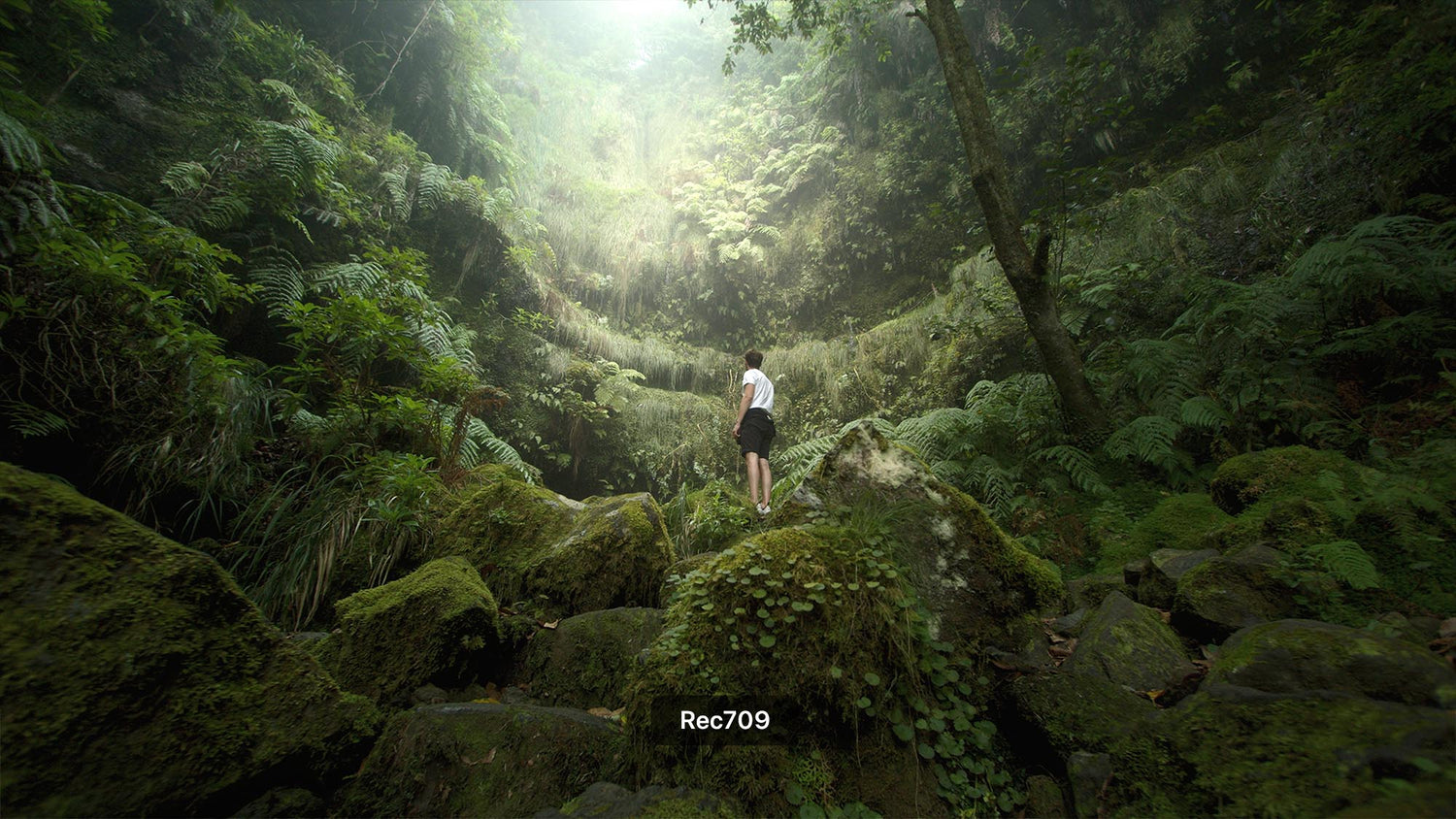
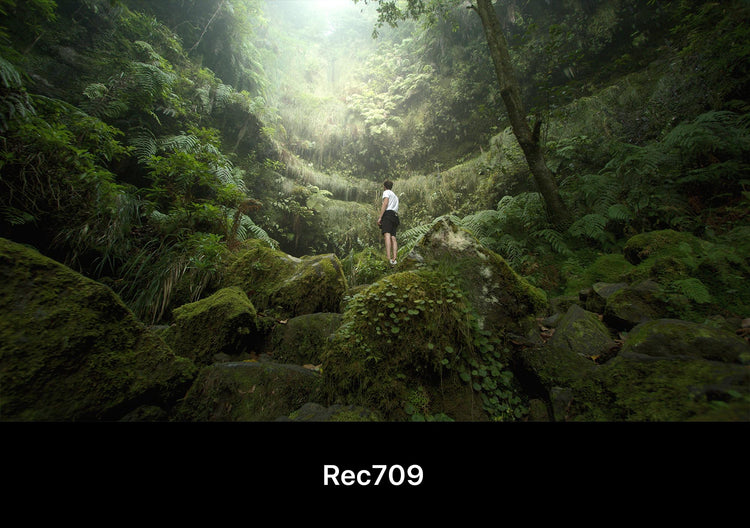
Once converted, seamlessly pair your footage with any of the 65 fine-tuned Creative LUTs.
Packs included: Signature Creative, Commercial, Cinema Warm, Cinema Blue, Ethereal Green, Terra Tones
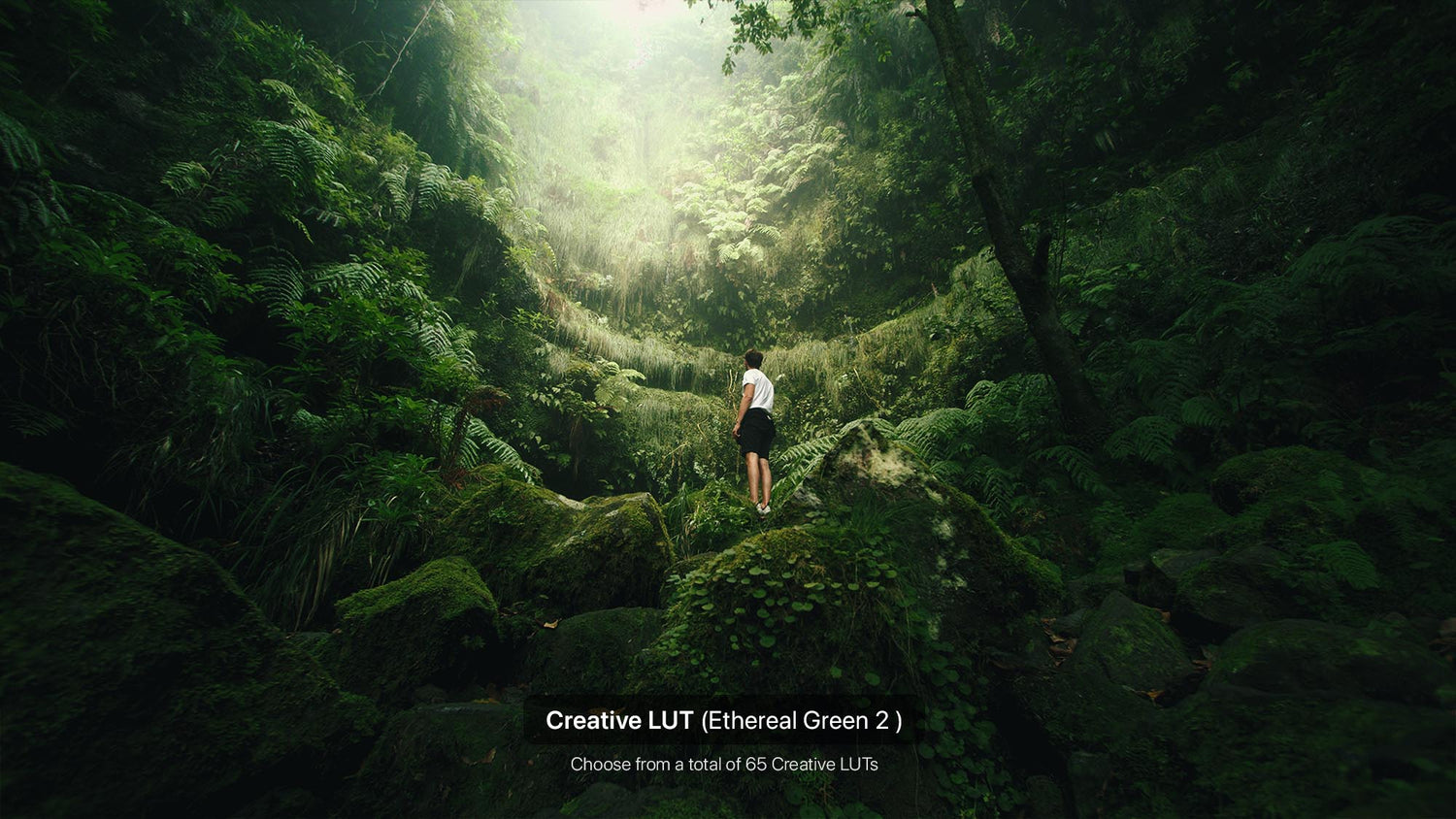
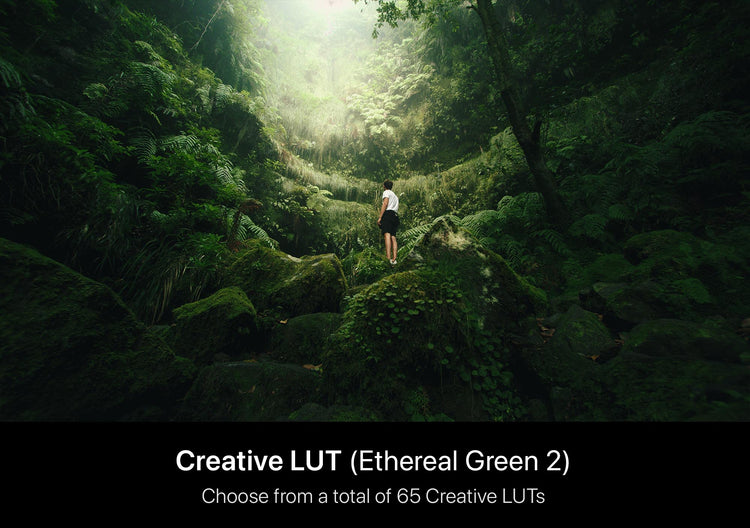
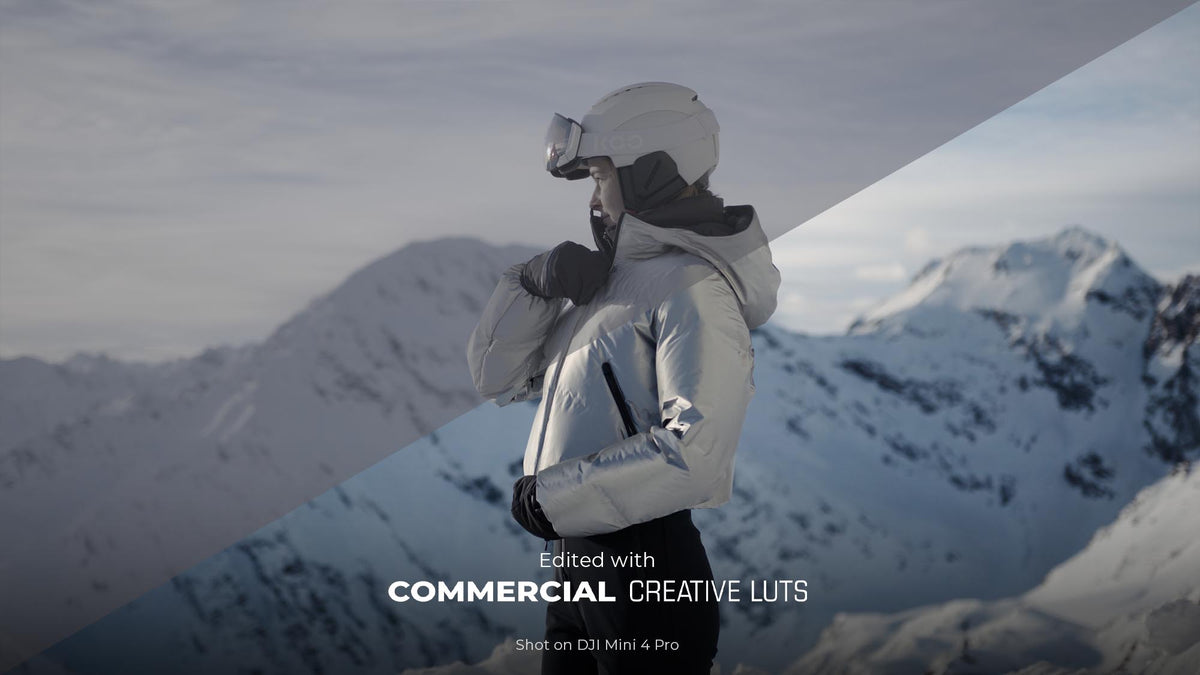
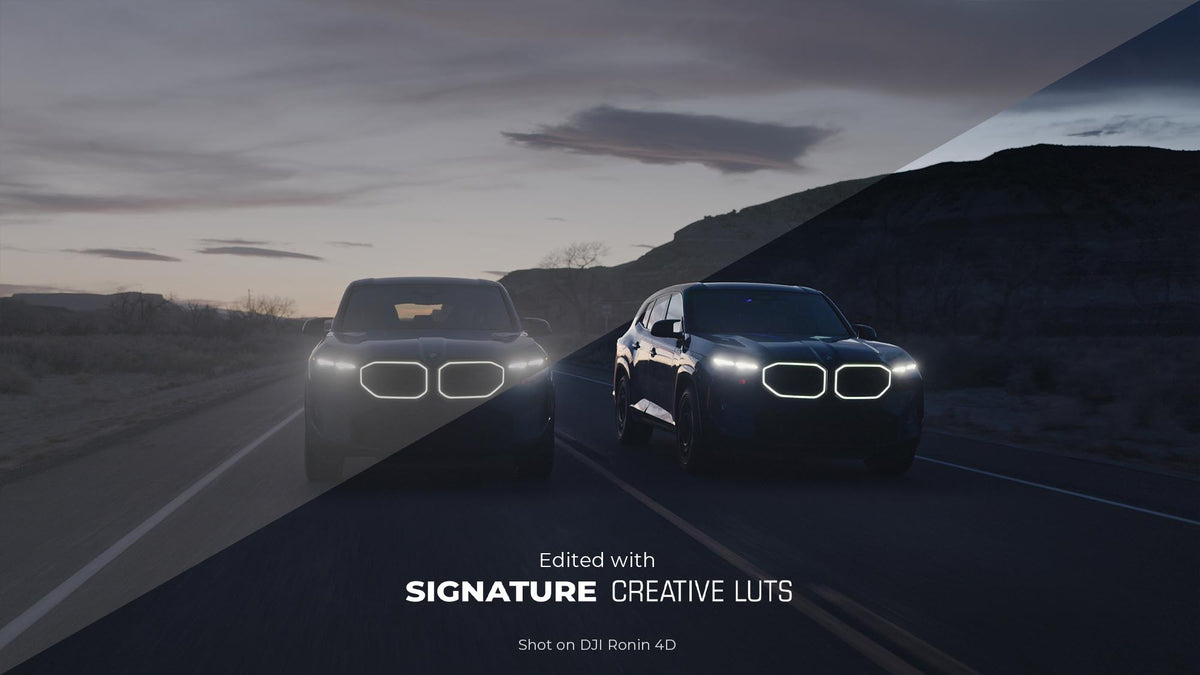
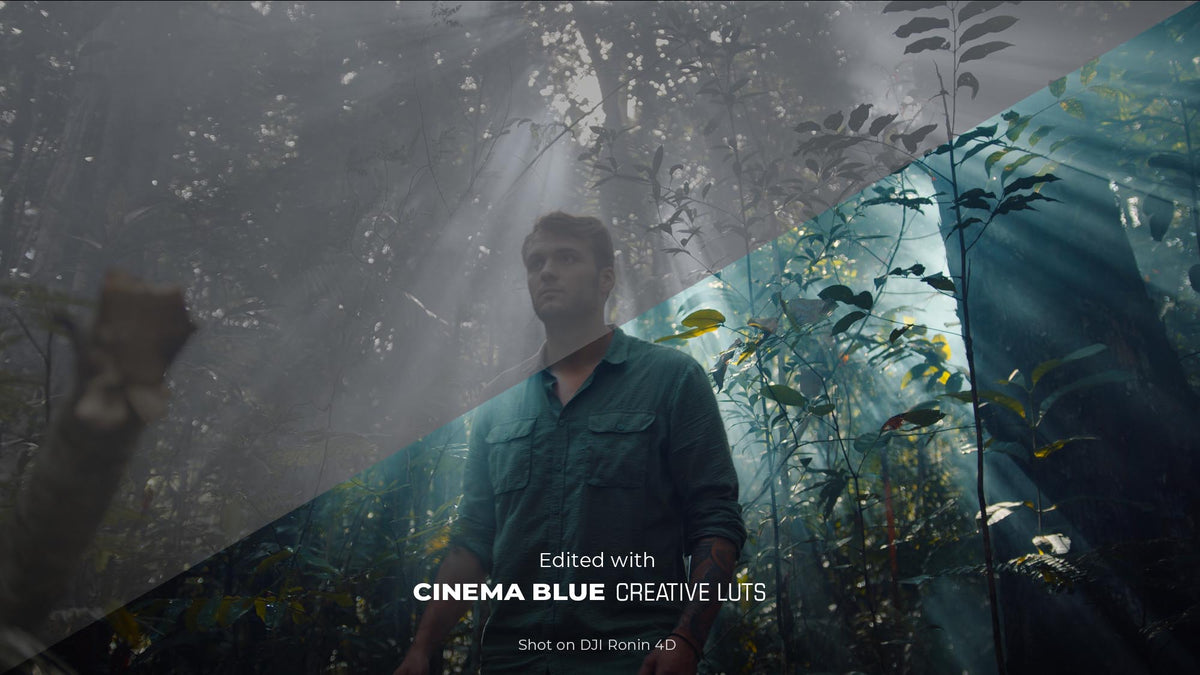

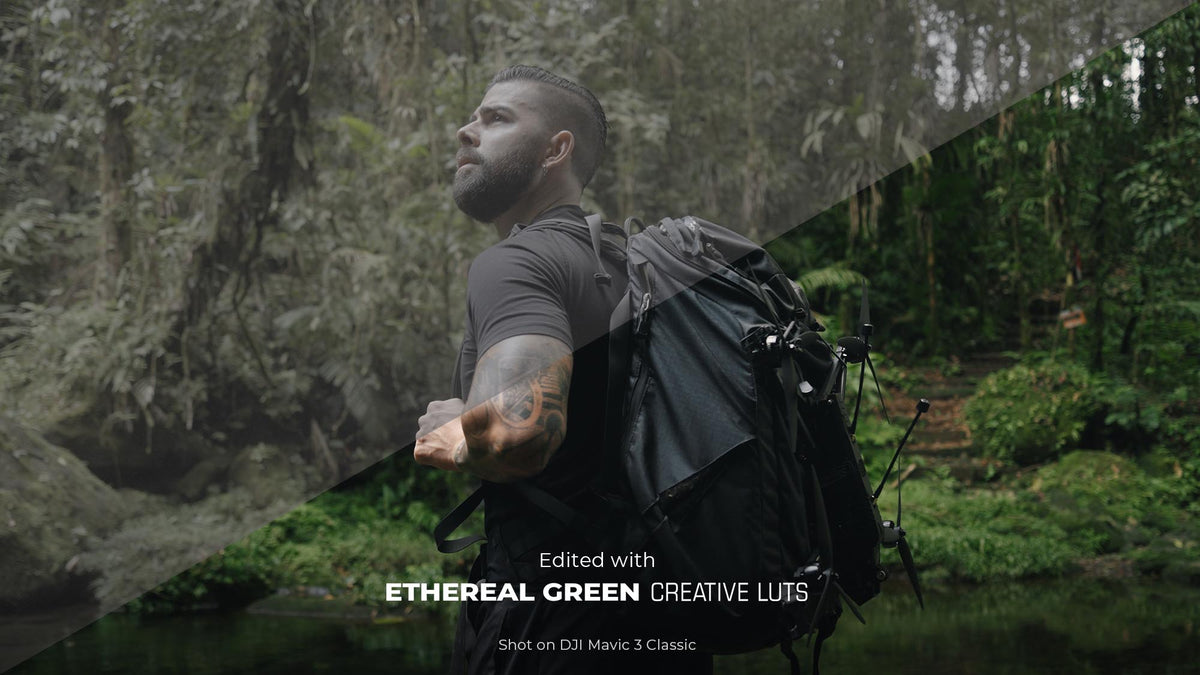
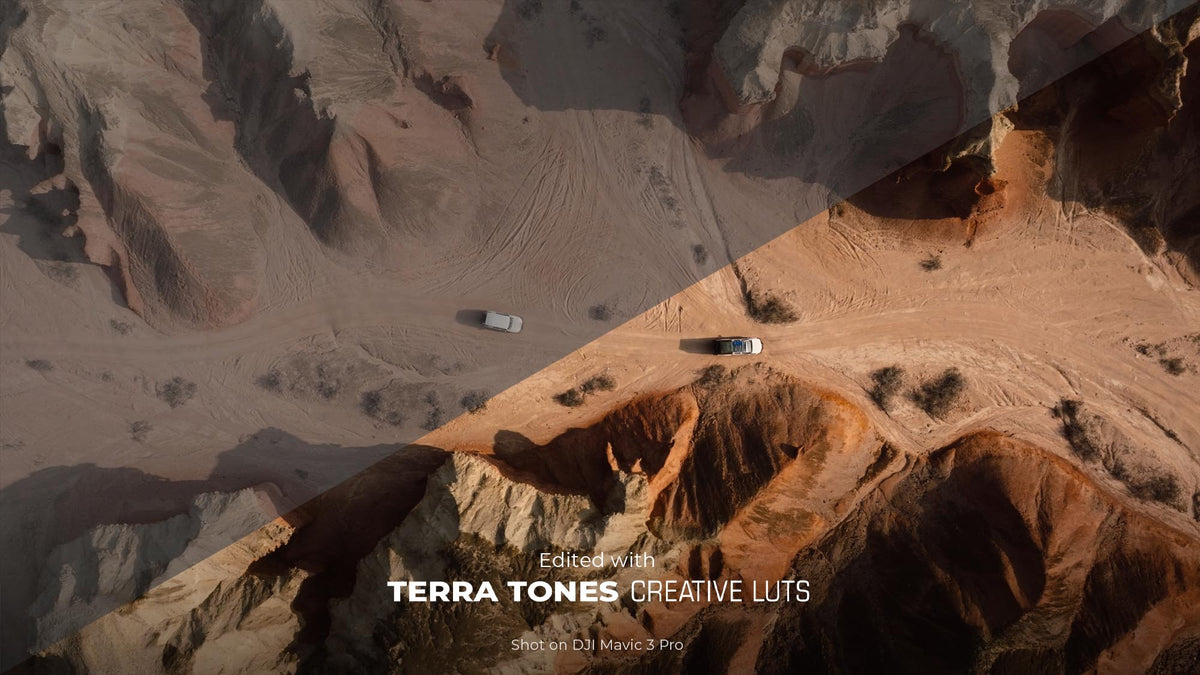
Explore our Creative LUT packs
Included in Pro and Lite version.
Browse through all included LUT packs.
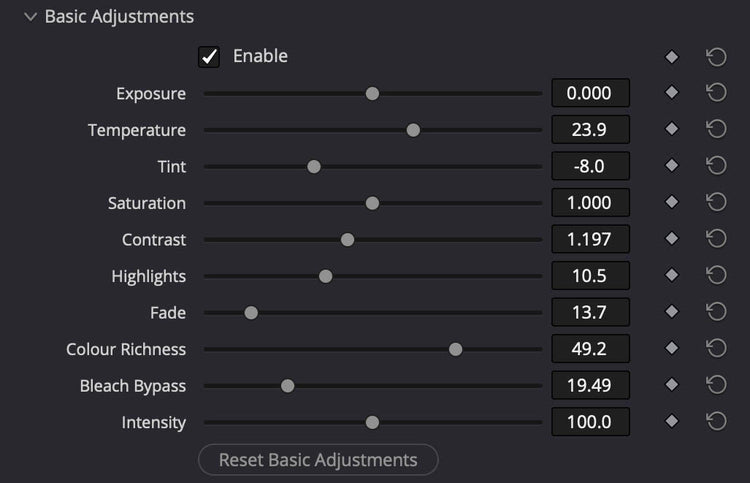
Basic Adjustments
Take instant command of your image with the Basic Adjustments panel. Easily correct temperature or under or over-exposure with quick sliders for brightness, fade, color richness and much more. Shape your look directly inside the plugin, saving you from cluttering your timeline with extra layers or jumping between menus.
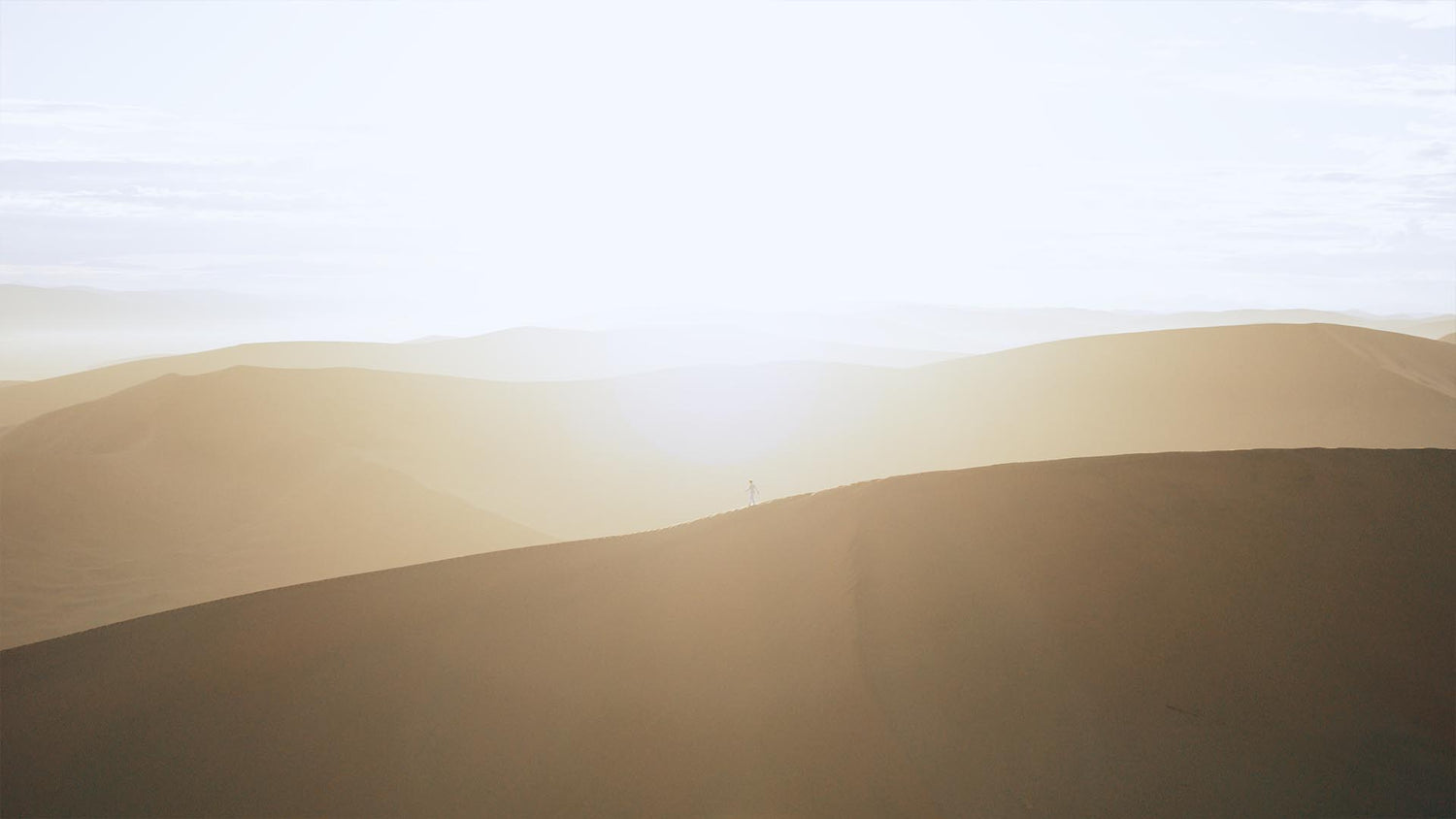
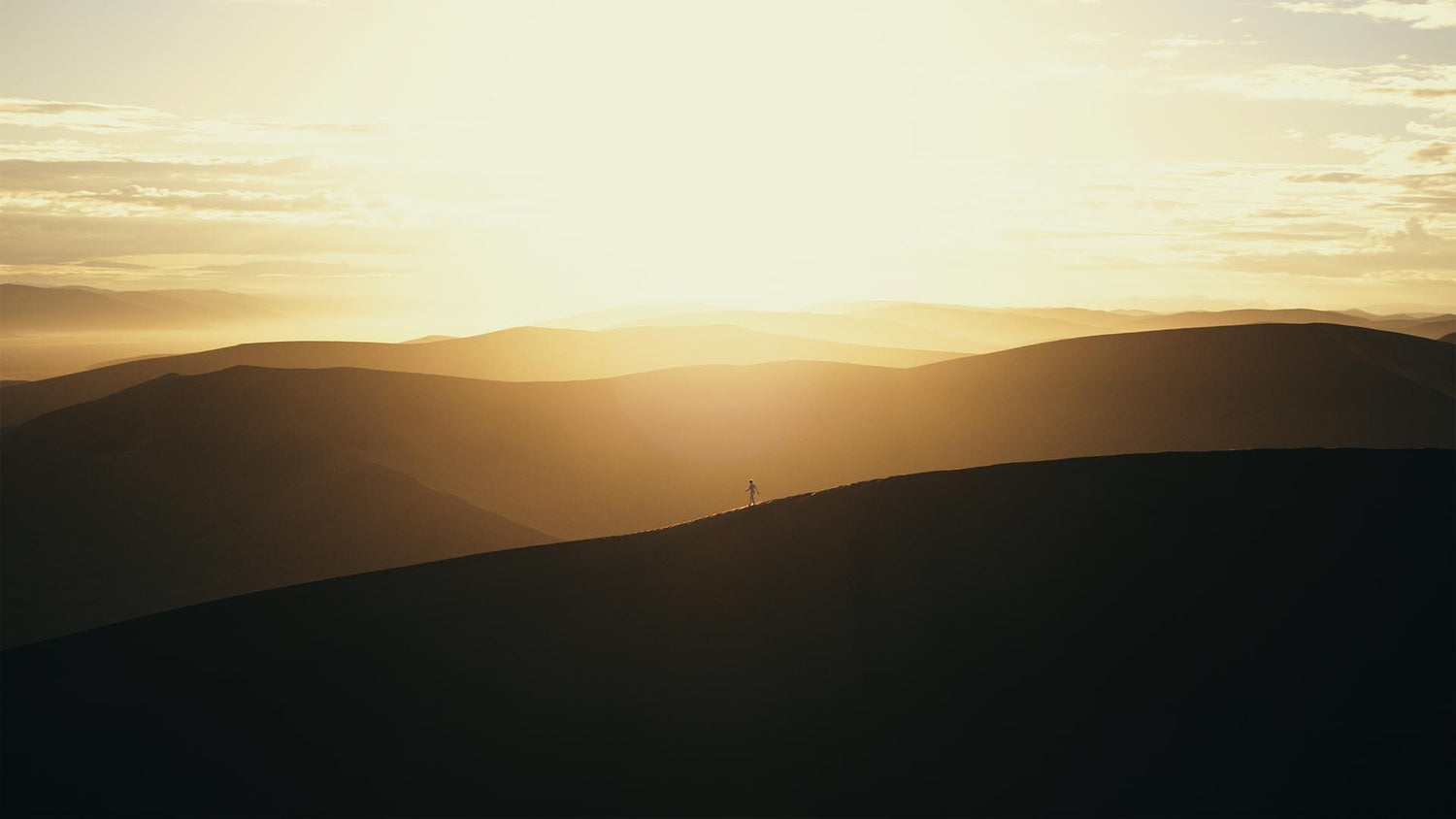
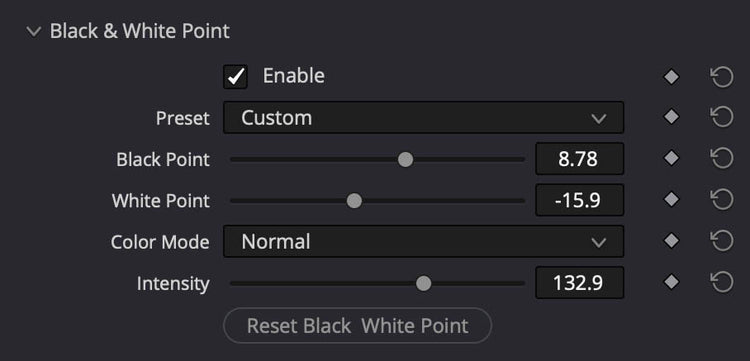
Black & White Point
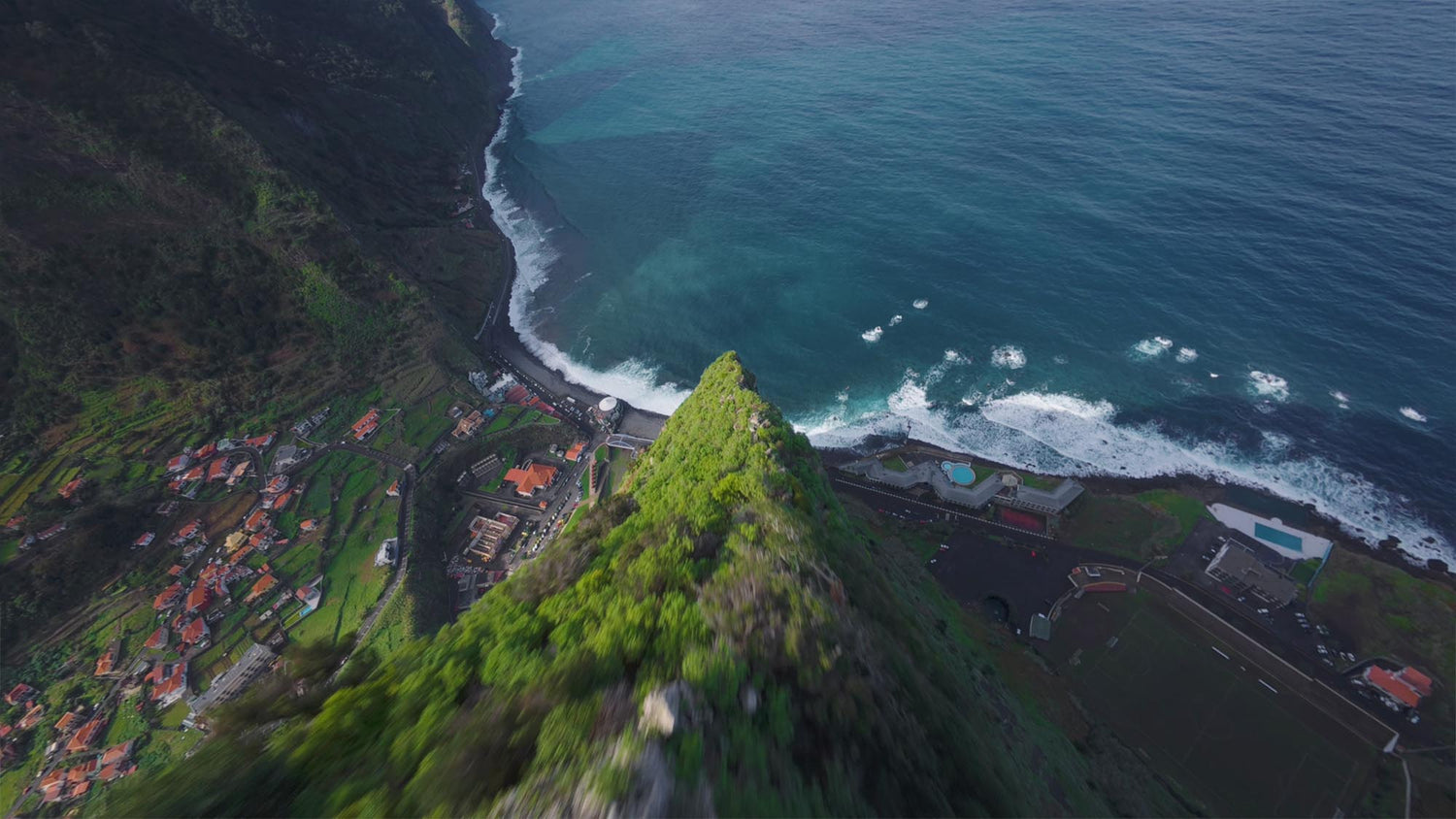
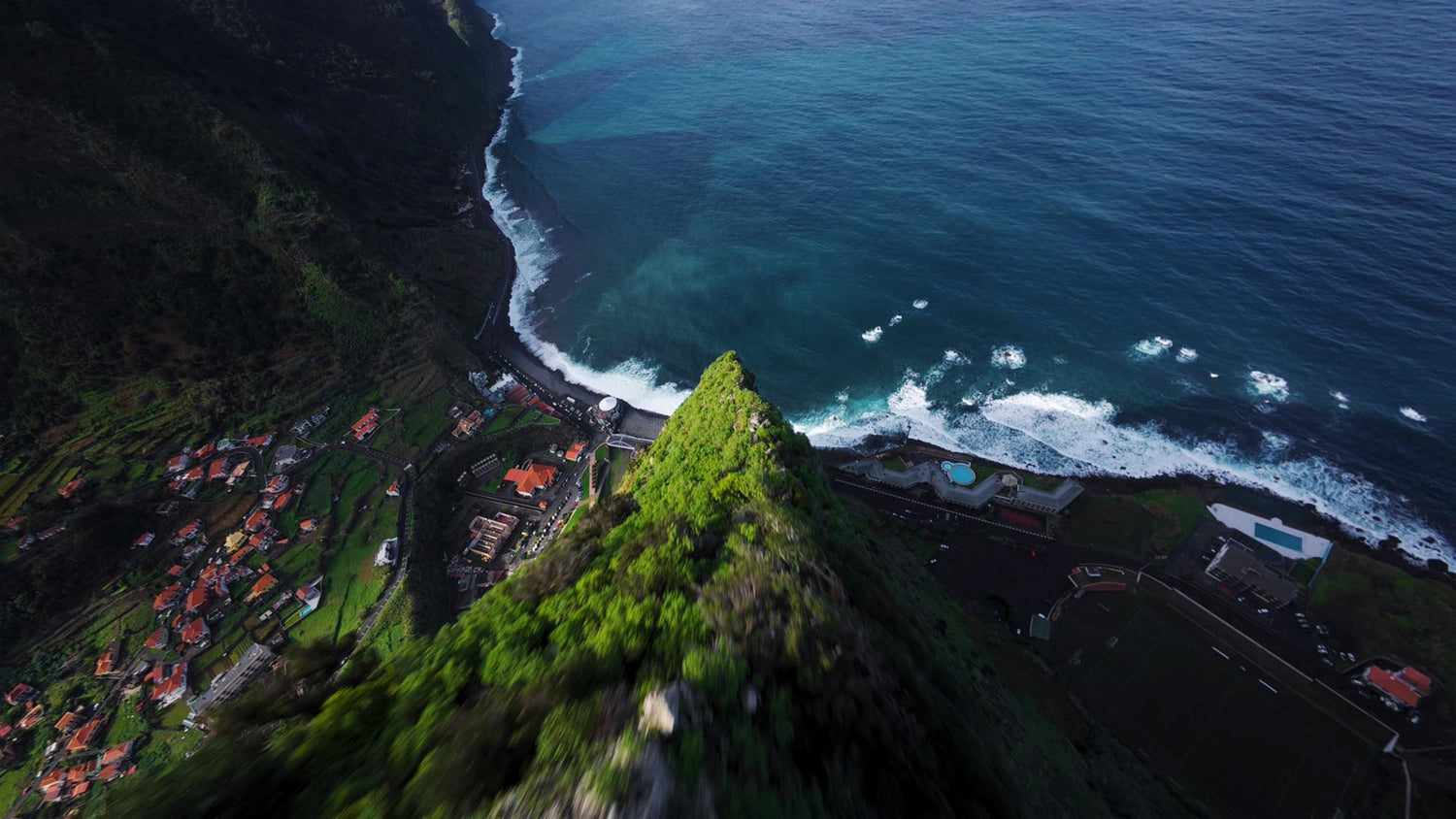
Easily crush milky blacks for a rich, deep look or dial back harsh highlights to retain critical details. The built-in Color Mode selector allows you to control exactly how these exposure adjustments interact with the colors in your image.
Custom LUTs
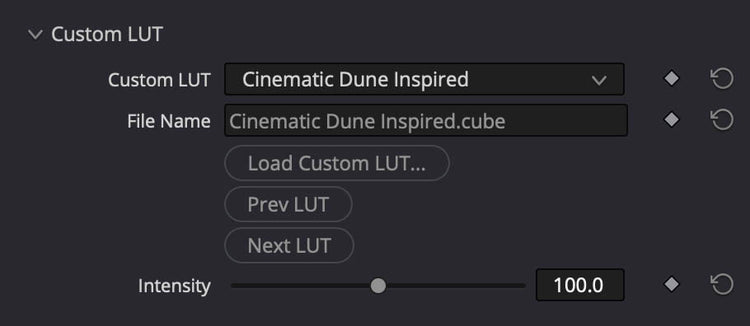
The Custom LUT section lets you integrate your own .cube LUTs directly into the single-panel ecosystem. Quickly browse through them using the native Prev/Next LUT button.
Finishing Tones
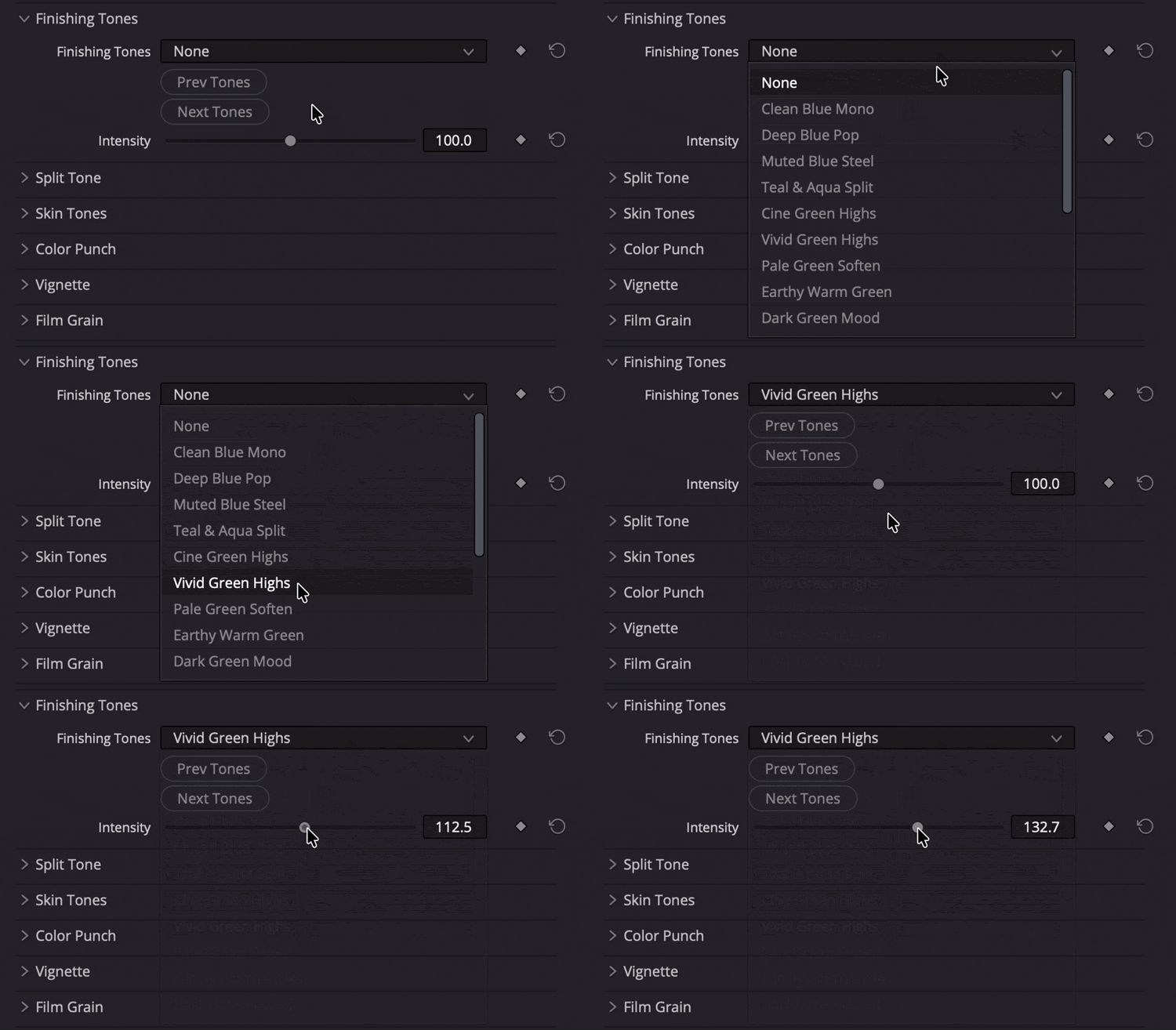
This is where the real magic happens that will distinguish you from the rest. Give your project that high-end Hollywood polish effortlessly. The Finishing Tones module features 13 premium finishing profiles meticulously engineered to tie your base grade together, beautifully balancing your highlights, midtones, and shadows into a unified, cinematic look.
Split Toning
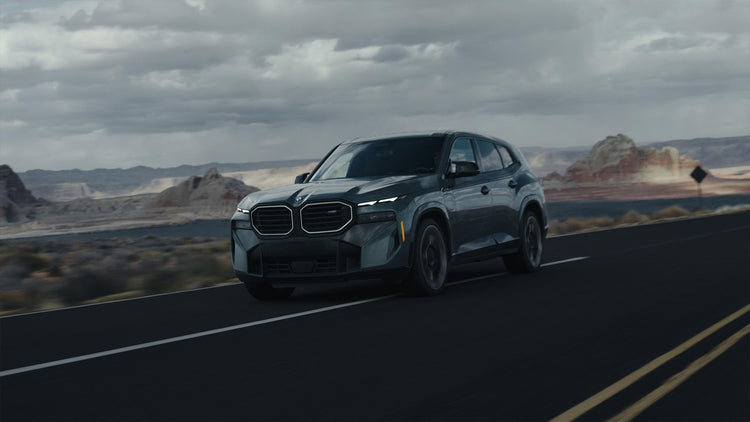
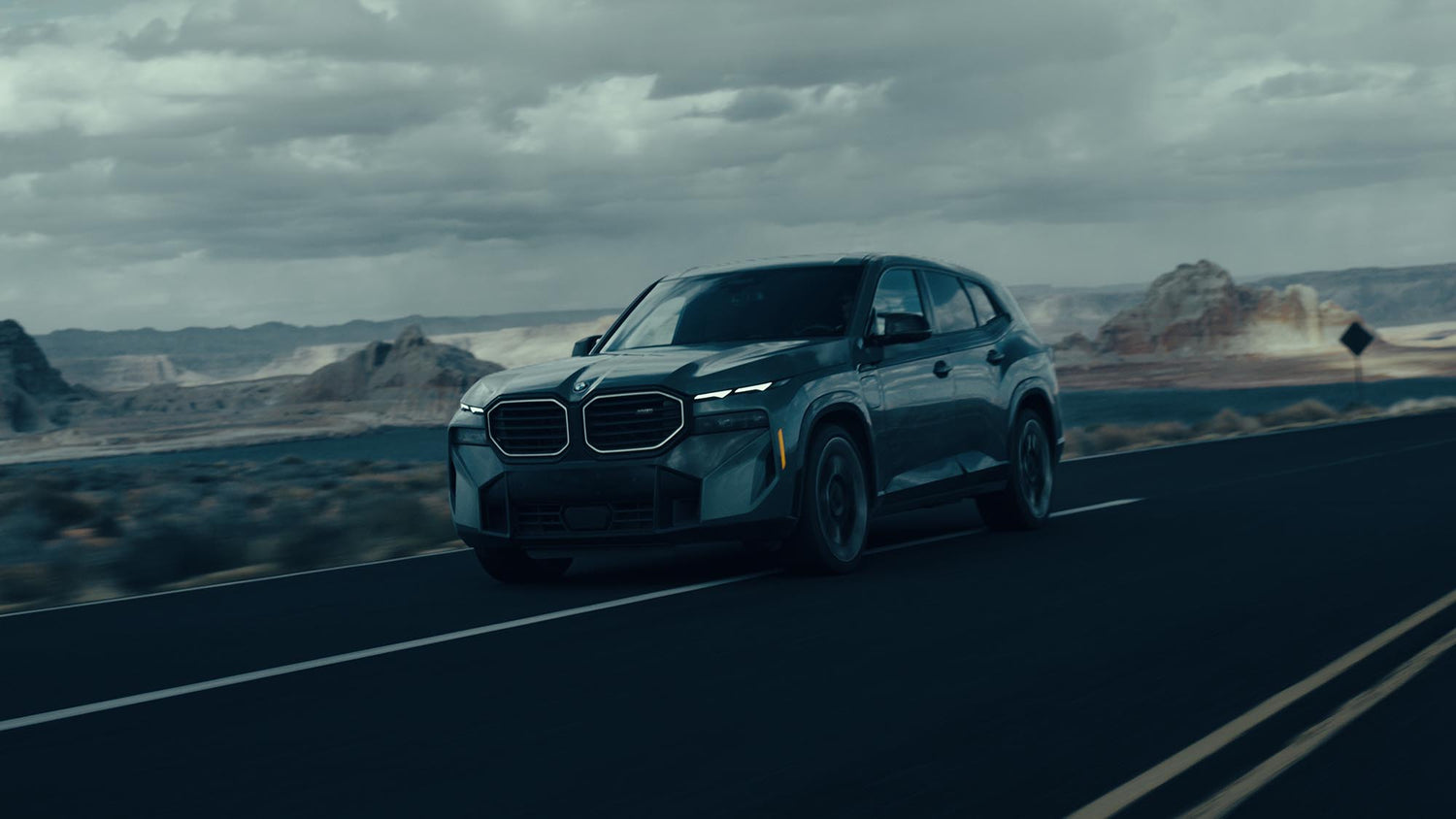
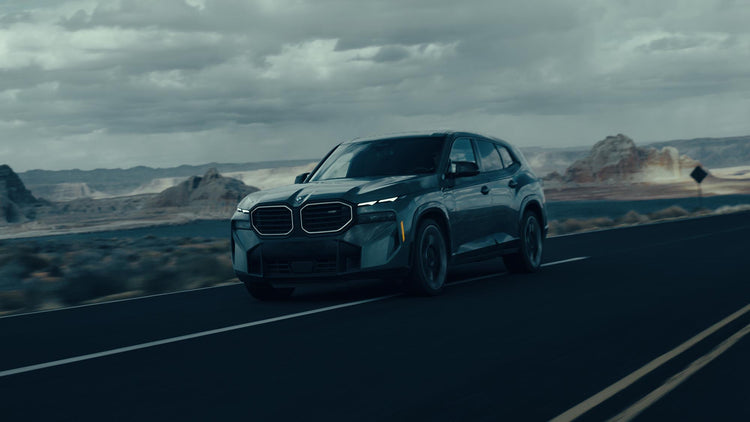
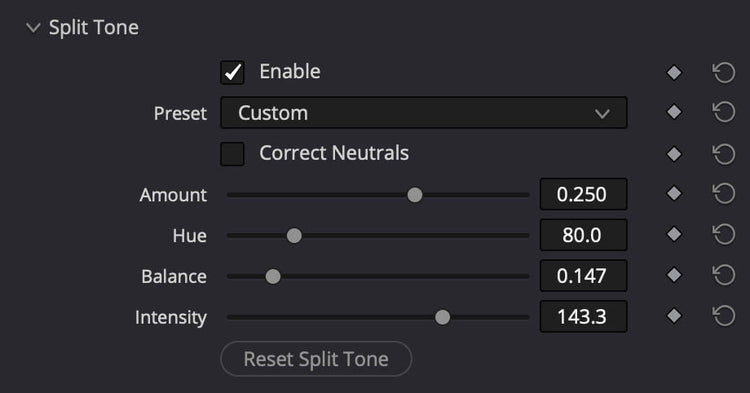
The Split Tone module pushes distinct, stylized colors into your highlights and shadows without ruining your image. Use our presets or fine-tune the tones yourself.
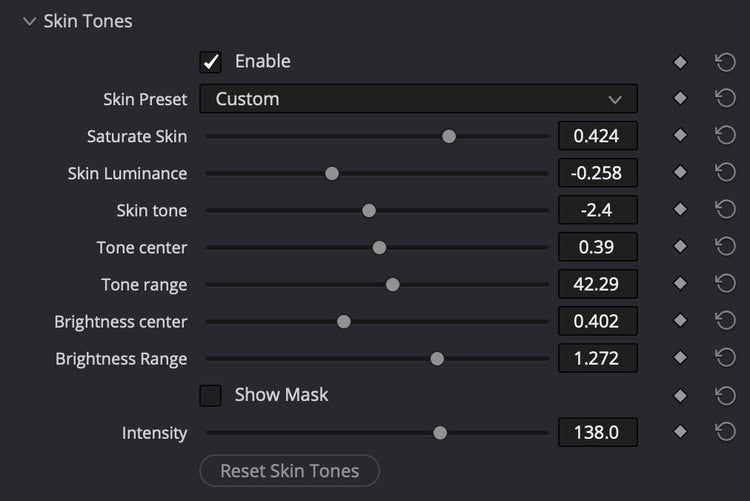
Skin Tones
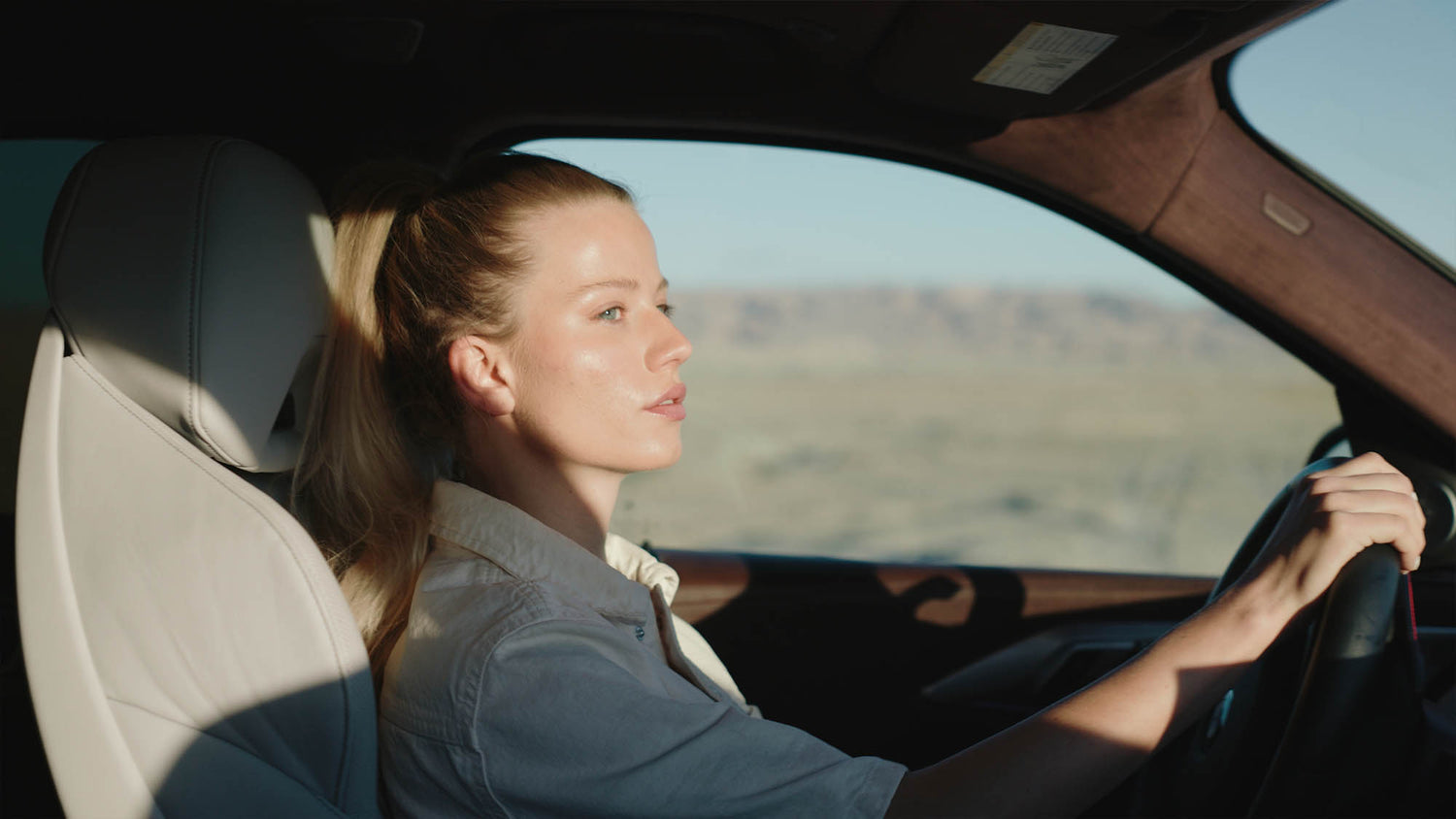
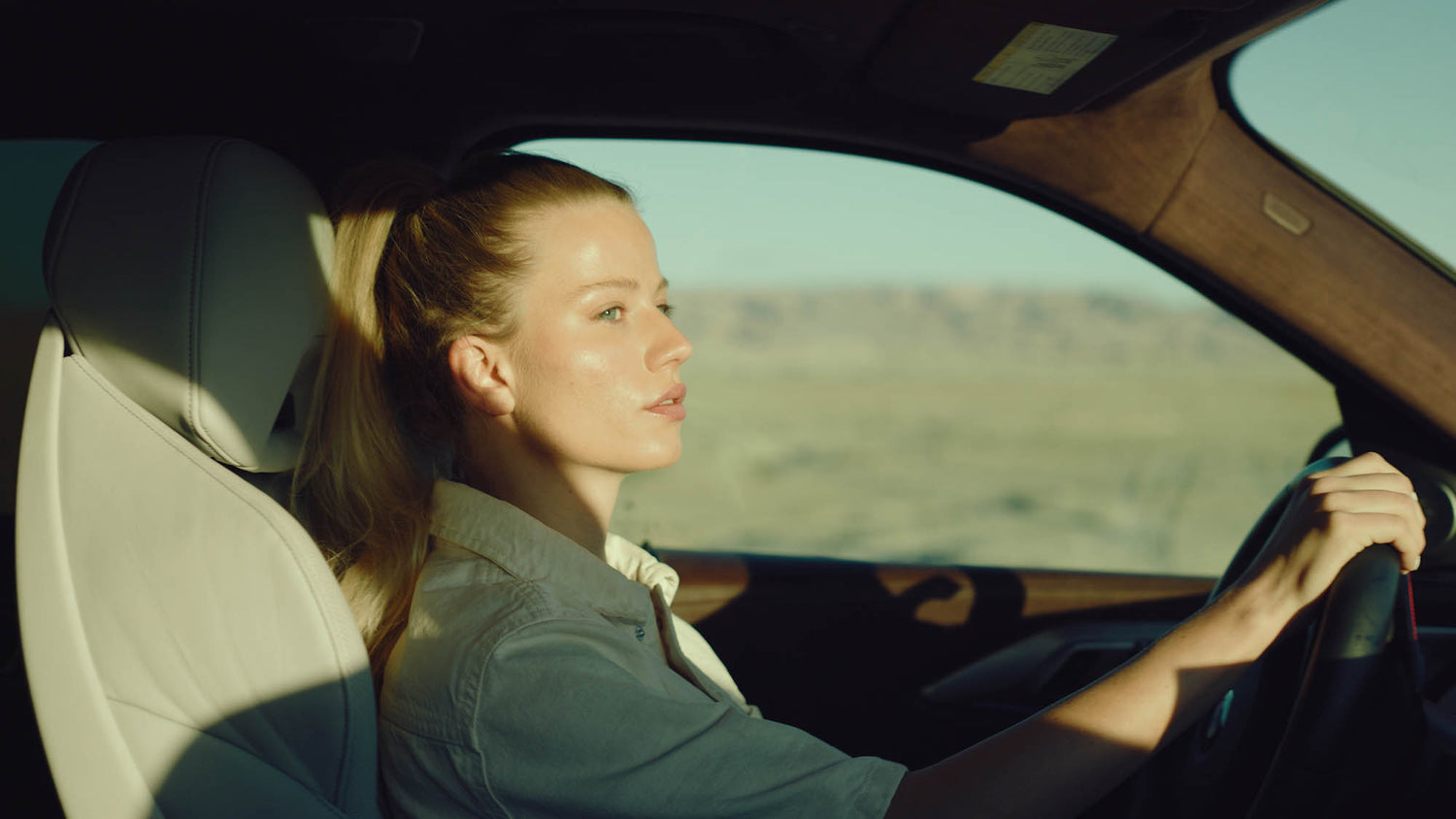
Perfecting skin tones normally requires complex keys, qualifiers, or tedious manual masking. The Skin Tones module handles the heavy lifting automatically inside one clean block. Start editing faster with Skin Preset options that give you perfect results in one click.




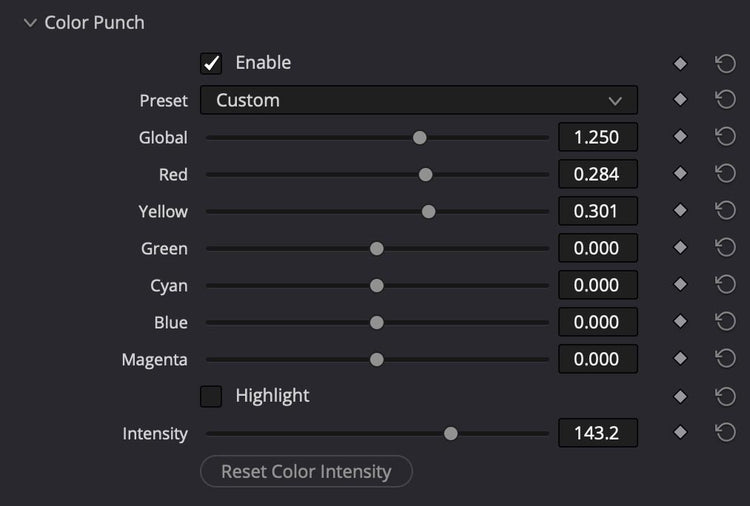
Color Punch
The Color Punch panel lets you enrich or tone down specific colors in your video instantly. Jumpstart your look with 7 ready-to-use presets, or easily boost and isolate individual colors without affecting the rest of your image.
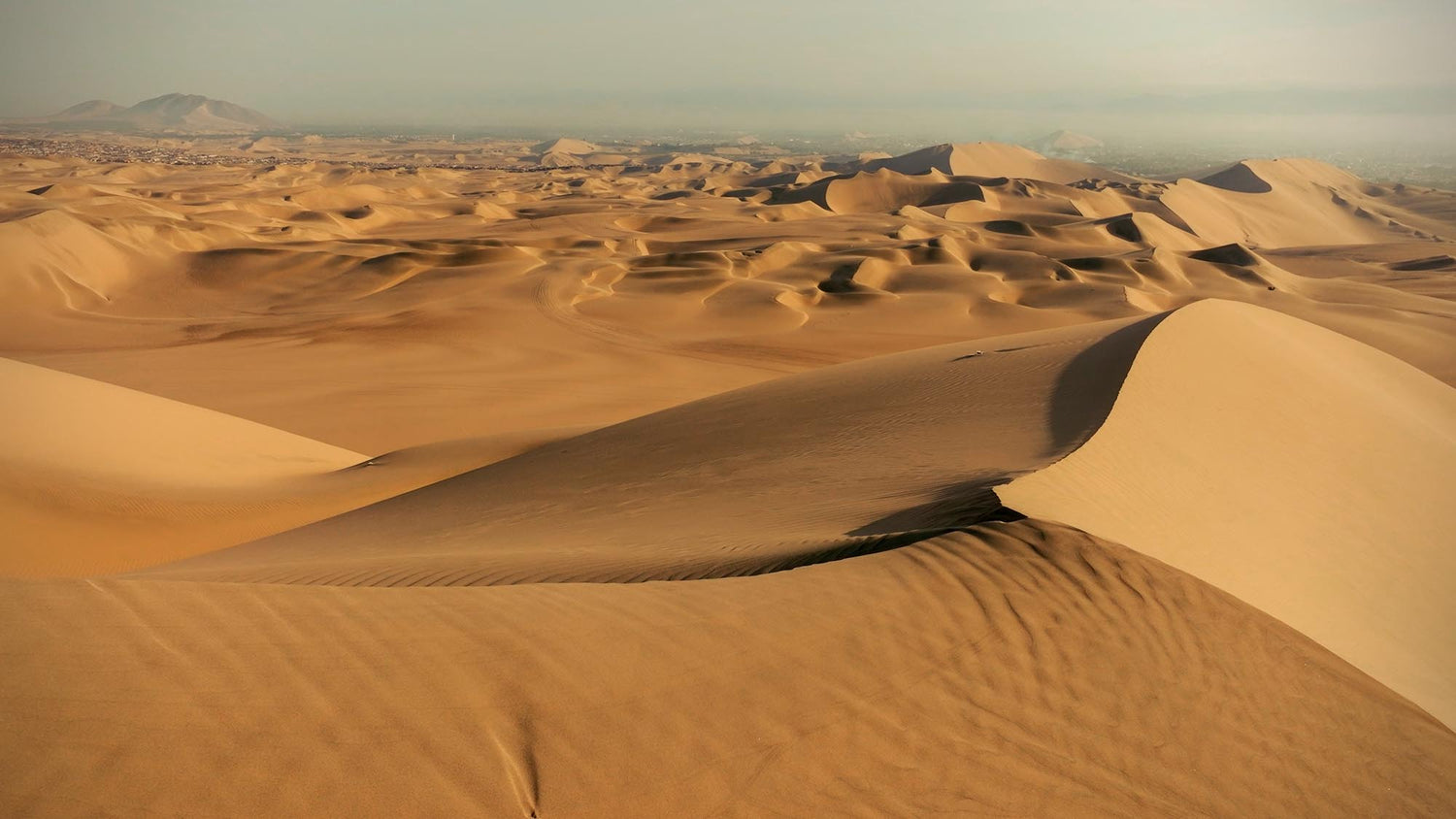
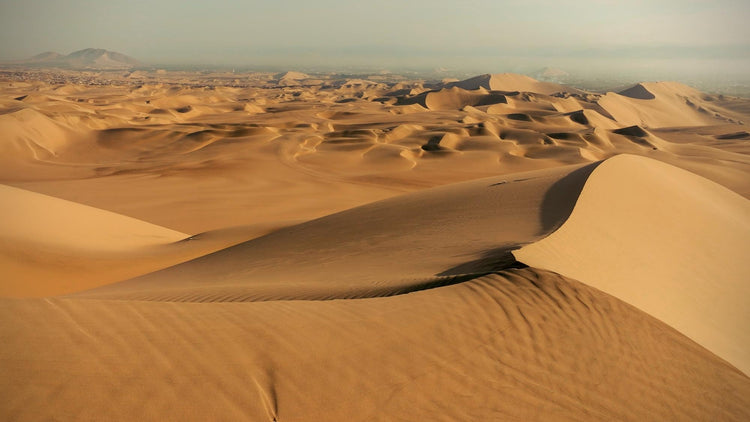
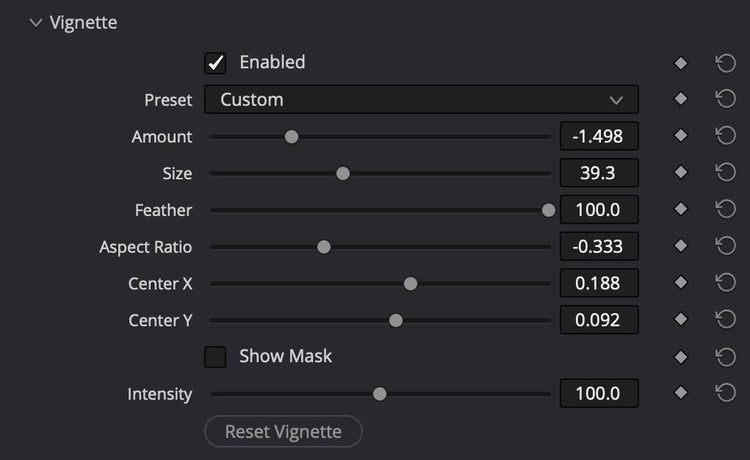
Advanced Vignette
Draw instant focus to your subject. Effortlessly shape natural lens falloff using fully customizable aspect ratios, seamless feathering, and re-positionable X/Y center controls.
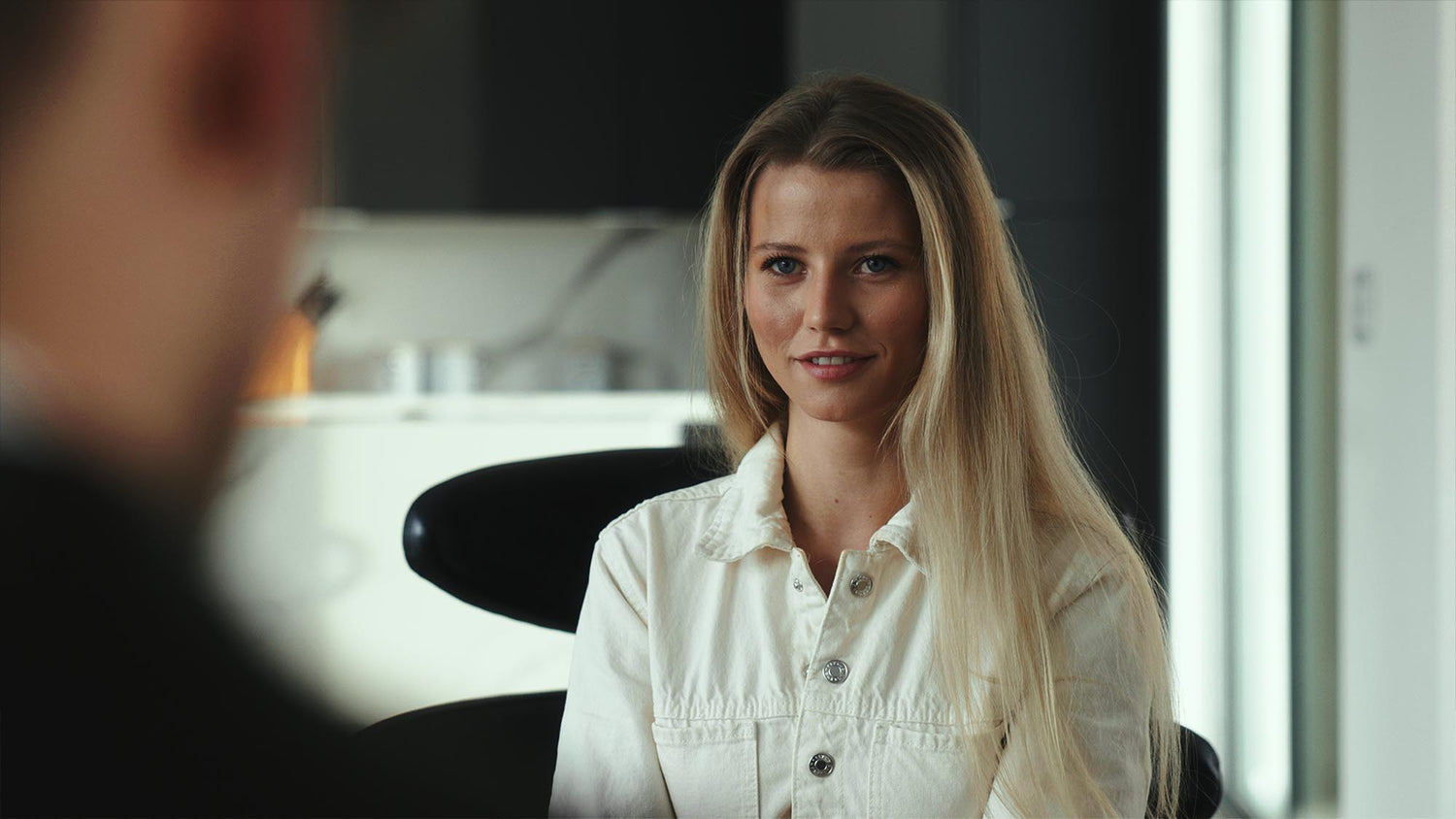
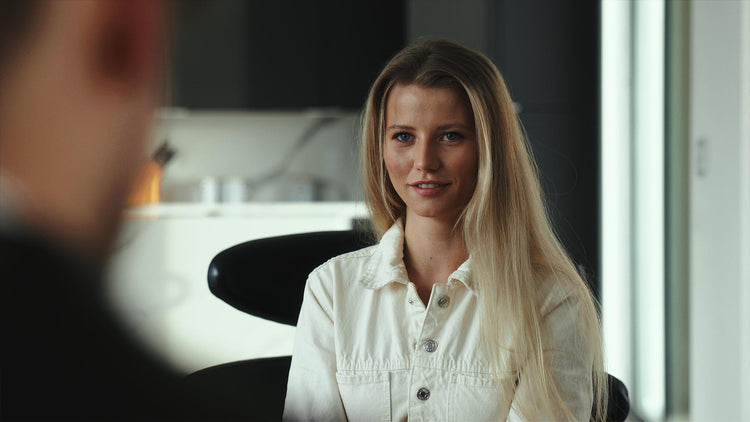
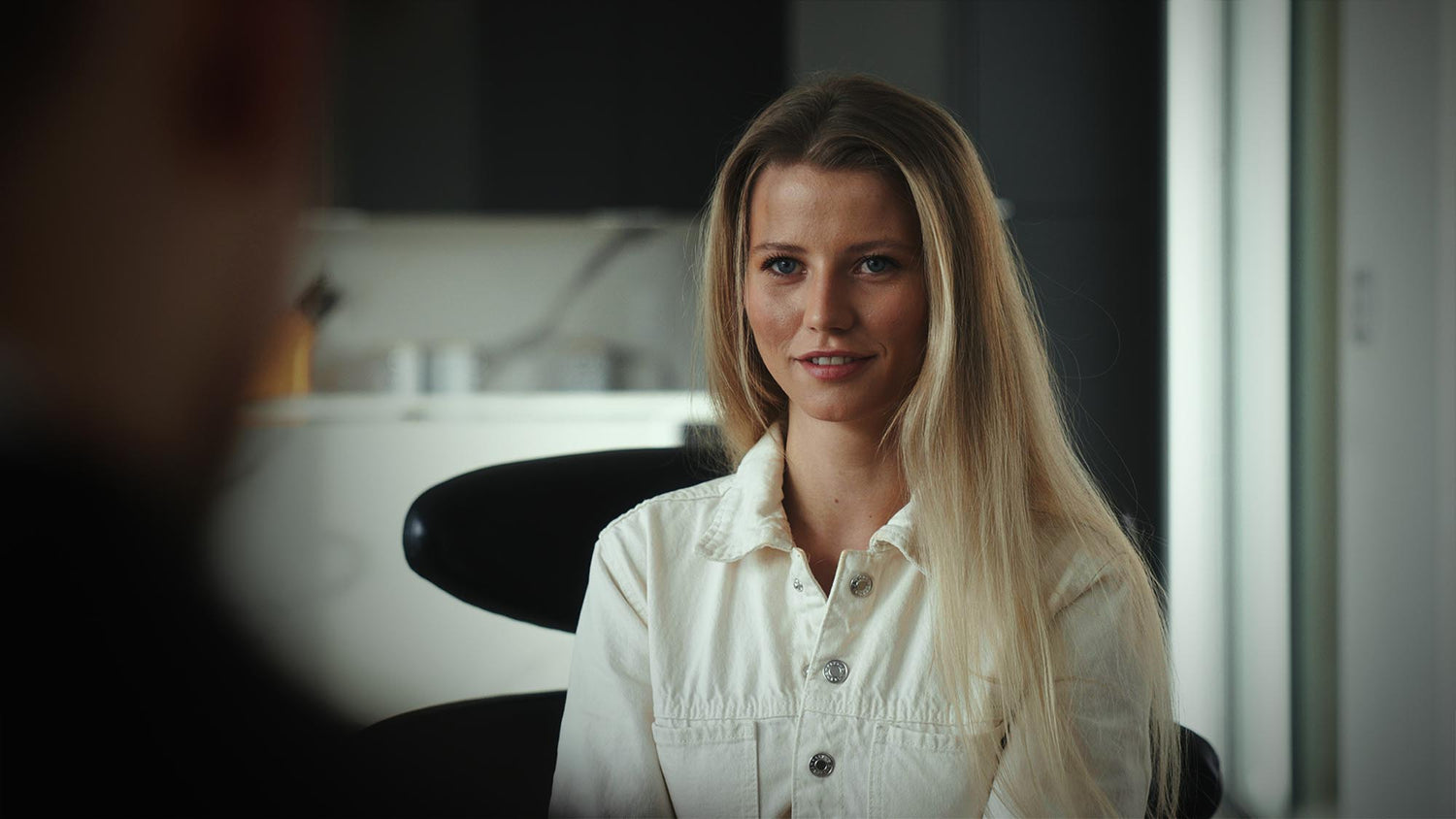
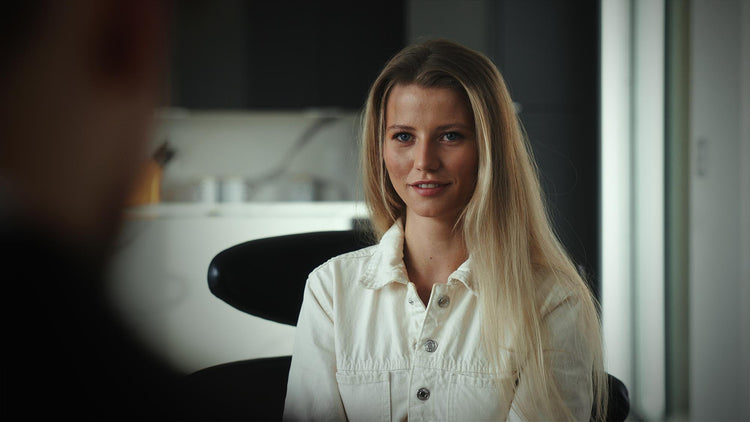
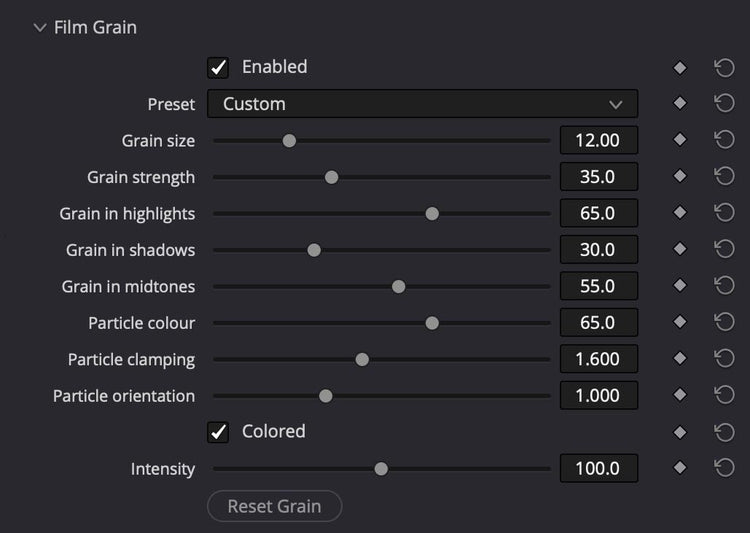
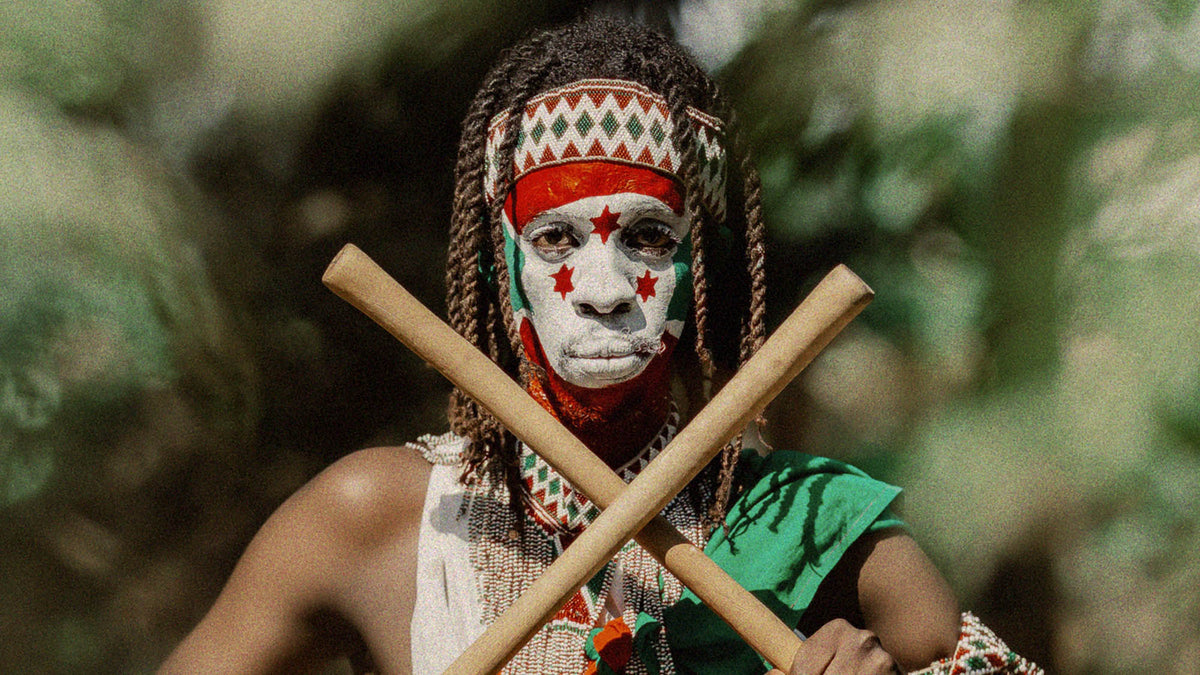
Film Grain
This isn't a static overlay. Our grain engine evaluates every pixel individually to place structure where real film naturally reacts. With 8 instant presets and pinpoint controls across all tonal ranges, you can dial in hyper-realistic analog texture in seconds.
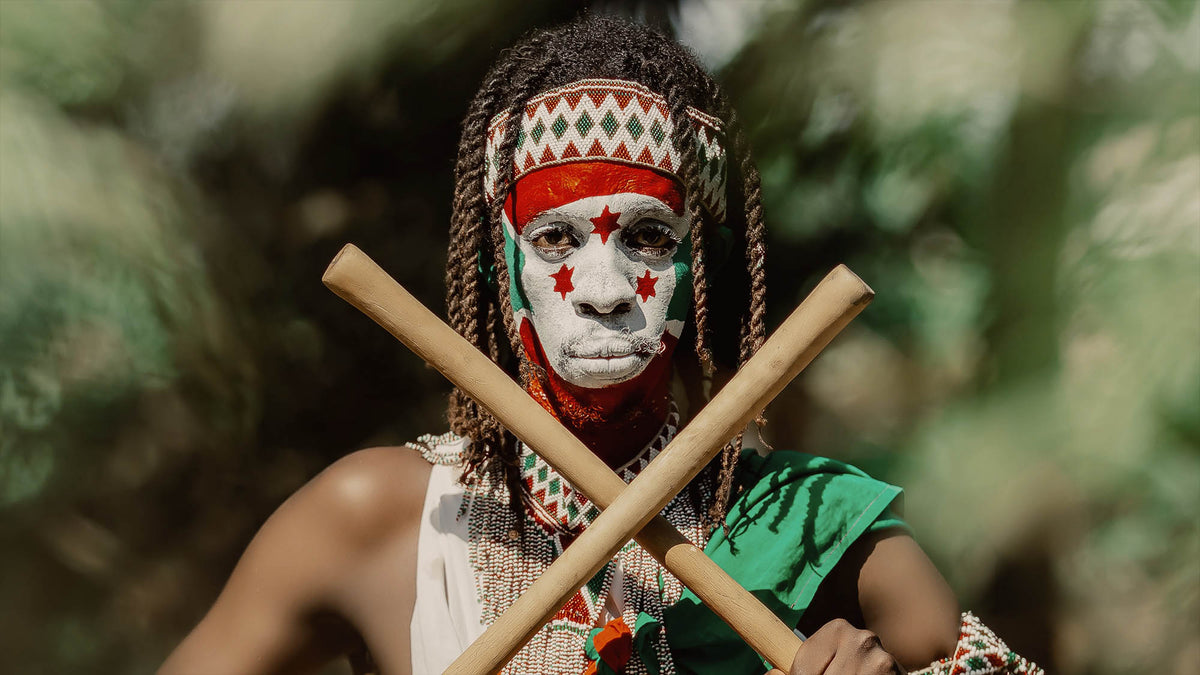
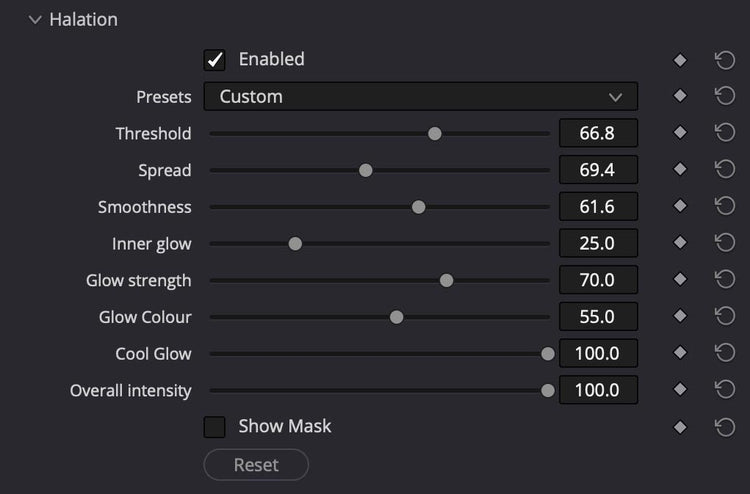
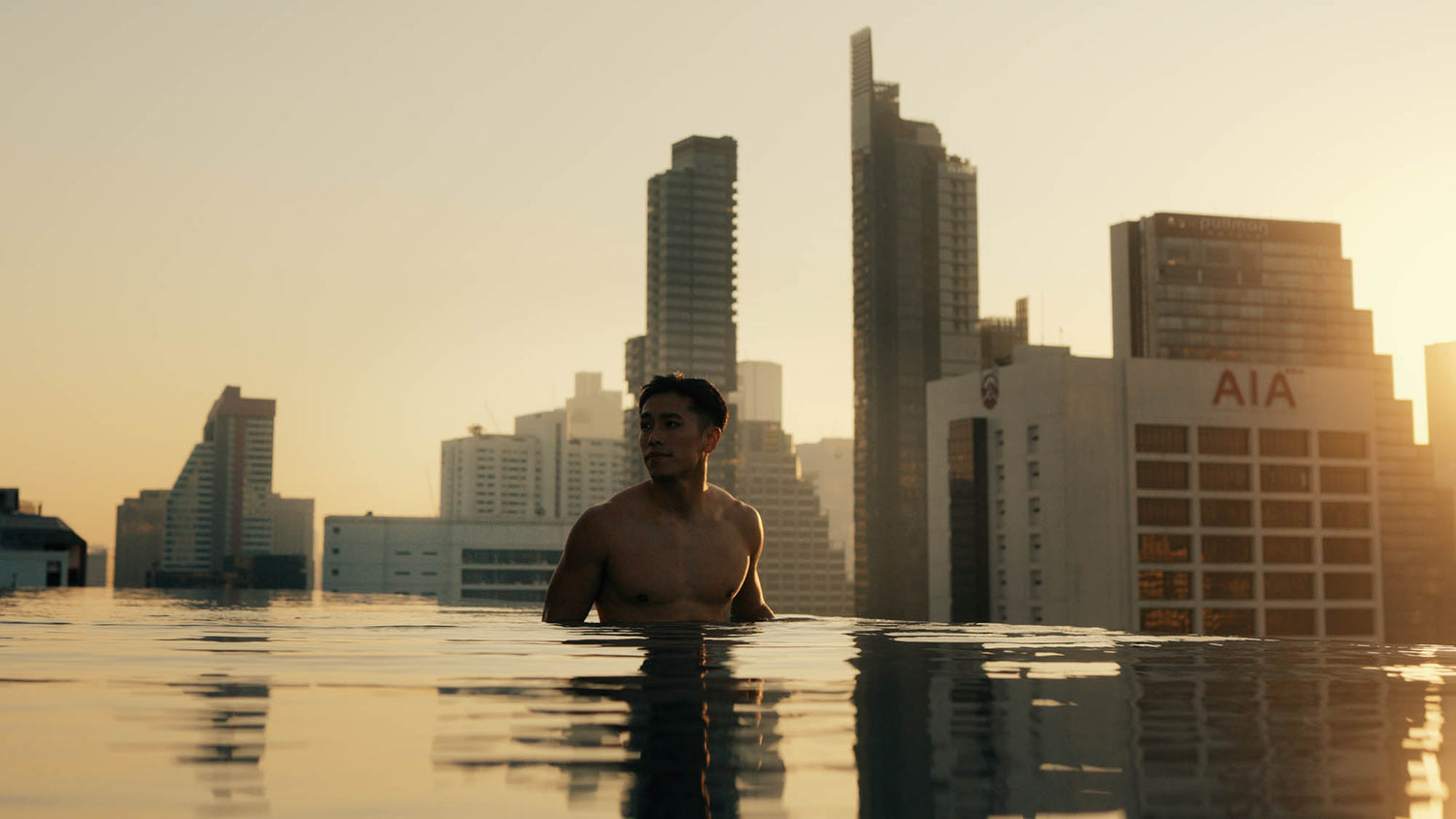
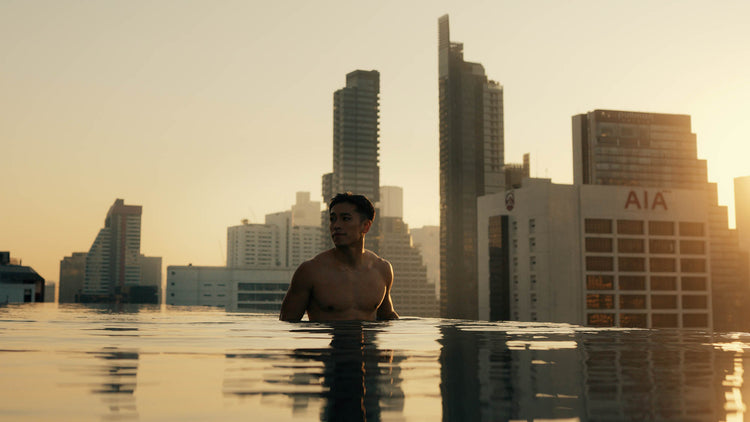
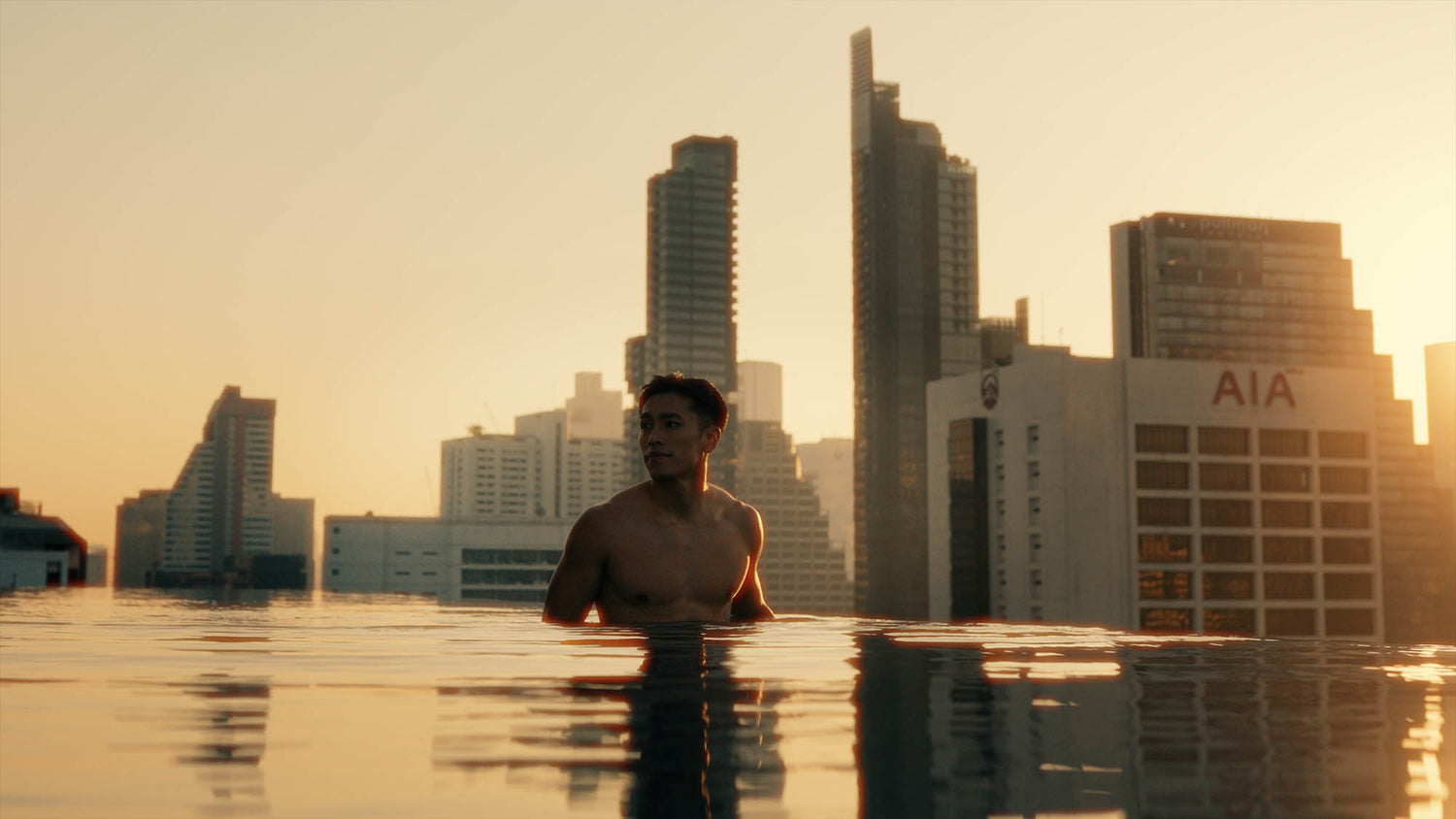
Halation
Emulate organic film layer light bleeding in seconds with 4 instant presets and deep control over glow color, spread, and threshold. Transform harsh digital highlights into soft, warm optical bloom by dialing in custom smoothness, inner glow, and overall intensity with surgical precision.
Pick Your Plan
Halloween Sale - Up to 50% off!
Chroma Lite
Lifetime access.
- Camera Conversion LUTs
- 65 Creative Looks
- Basic Adjustments
- Basic customer support
- Install on up to 3 devices
Chroma Pro
Subscribe or pay once for lifetime access.
- Everything from Chroma Lite
- All Chroma Pro features
- Priority customer support
- Install on up to 3 devices
Need a team or agency license? Please contact us.
Compare Versions
Choose the version that fits your needs. If you go for Lite, you can always upgrade to Pro later on at a discount. Simply contact us.
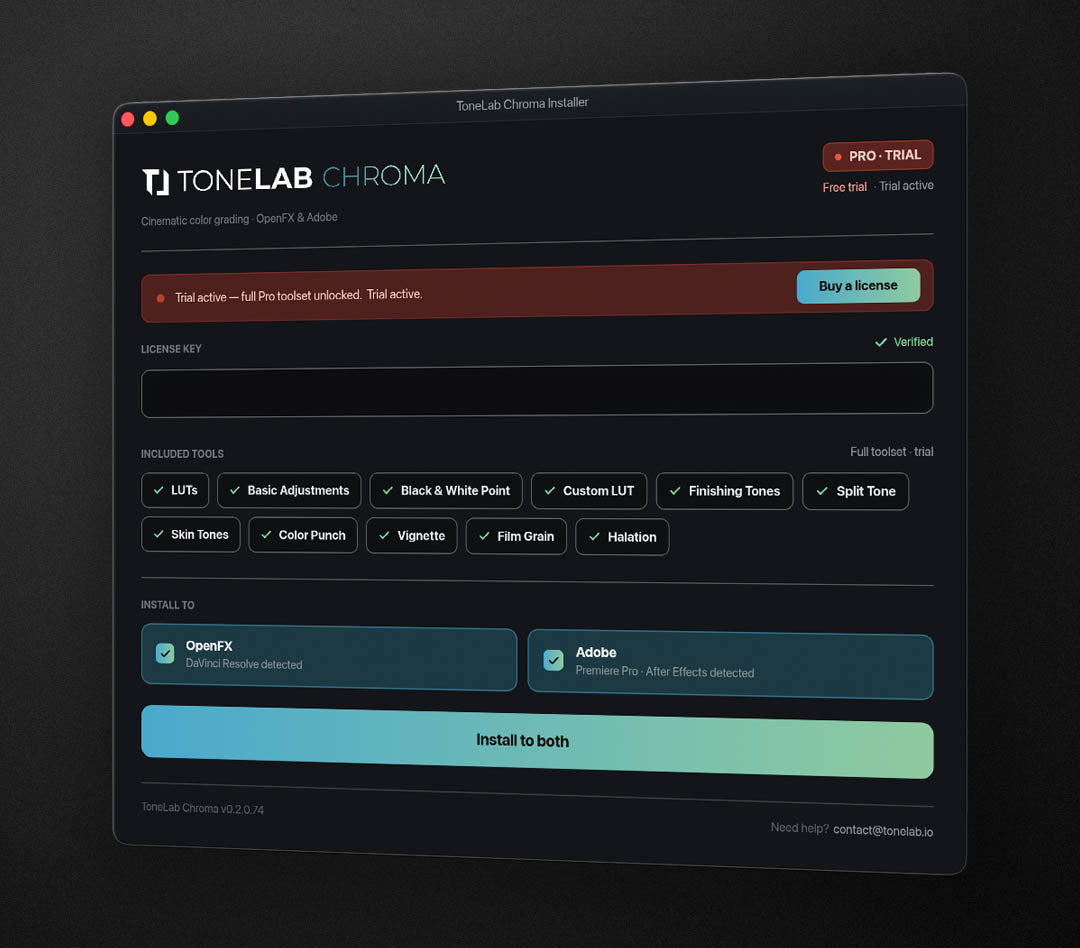
Zero effort, zero fuss.
One-click installation
The plugin can be installed on both Windows and Mac for DaVinci Resolve, Premiere Pro and After Effects in one single click - fully automated so you can start editing in seconds. After installing the plugin, it will automatically show up in the Effects panel and is ready to be used.
Compatible with:
- Windows + Mac M1 or newer
- DaVinci, Premiere, After Effects
Which cameras and LOG profiles are supported?












Our plugin comes with 28 Conversion LUTs for more than 50 different cameras.
Can't find yours? Get in touch with us for support!
Contact usSony FX3, FX30, A7 III, A7S III, A7R III, A7 IV, A7R IV, A7R V, ZV-E1, ZV-E10, A9 II, A9 III, A1, A1 II, FX6, FX9, A6700
Sony A7S, A7S II, A7 III, A1 II, ZV-E10
Canon C300, C100, C100 Mark II, 1D C, 5D Mark IV, 1D X Mark II, EOS R
Canon R5 Mk II, R1, C50, C70, C80, C700, C500 Mk II, C400, C300 Mk II, C300 Mk III
Canon R3, R5, R5 MK II, R5C, R6, R6 MkII, R7, R8, R10, R50, C50, C70, C80, C400, C500, C300 Mark II/III
iPhone 15 Pro (Max), iPhone 16 Pro (Max)
iPhone 17 Pro (Max), iPhone 18 Pro (Max)
DJI Mavic 3 Classic/Pro, DJI Osmo Pocket 4
DJI Osmo Pocket 4P
DJI Inspire 2 & 3, Ronin 4D, Mavic 4 Pro
DJI Osmo Action 4, 5, 6, Osmo Pocket 3, Mini 4 Pro, Air 2(S), Air 3(S), Avata 2, FLIP, O4 Air Unit, Mini 4 Pro, Mini 5 Pro, Mavic 4 Pro
Z5, Z5 II, Z6, Z6 II, Z7, Z7 II, Z8, Z9, Z6III, Z30, Z50, Z50 II, Zf, ZR
BPCC, BPCC 4K, BPCC 6K, BPCC 6K Pro, PCC 6K G2, Cinema Camera 6K, PYXIS 6K, URSA Mini Pro 4.6K, URSA Mini Pro 4.6K G2, URSA Mini Pro 12K, URSA Cine 12K, URSA Cine 17K, URSA Cine Immersive, URSA Broadcast, URSA Broadcast G2
GoPro Hero 9, 10, 11, 12, 13
GoPro Mission 1 (Pro)
Insta360 X6, Insta360 X5, Insta360 Ace Pro 2, Insta360 GO Ultra, Insta360 Luna Pro
RED Komodo, Nikon ZR
Freefly Ember S5K
X-H1, X-H2, X-H2S, X-T3, X-T4, X-T5, X-S10, X-S20, X-Pro3, X-E4
X-H2, X-H2S, X-T5, X-S20, X-T50, X-E5, X-M5, GFX100 II, GFX100S II, GFX100RF
Lumix S1H, Lumix S1 II, Lumix S1 (with V-Log upgrade), Lumix S5 II / S5 IIX, Lumix S9, Lumix GH6, Lumix GH5, Lumix GH5 II, Lumix GH5S, BGH1, BS1H
Galaxy S26/S25/S24 series, Z Fold 7/6, Z Flip 7/6, Z Flip 7 FE
ALEXA Mini LF, ALEXA LF, ALEXA Mini, AMIRA, ALEXA SXT, ALEXA XT, ALEXA Classic EV, ALEXA Classic Plus, ALEXA Classic Studio, ALEXA Classic M, Panasonic LUMIX GH7, Panasonic LUMIX GH6, Panasonic LUMIX S1 II, Panasonic LUMIX S1R II, Panasonic LUMIX S1 IIE
ALEXA 35, ALEXA 35 Xtreme, ALEXA 265
Olympus OM-D E-M1 Mark II, OM-D E-M1 Mark III, OM-D E-M1X, OM System OM-1, OM System OM-1 Mark II
Join 6,000+ ToneLab Users worldwide
Don't just take our word for it.
See what people say about our product.
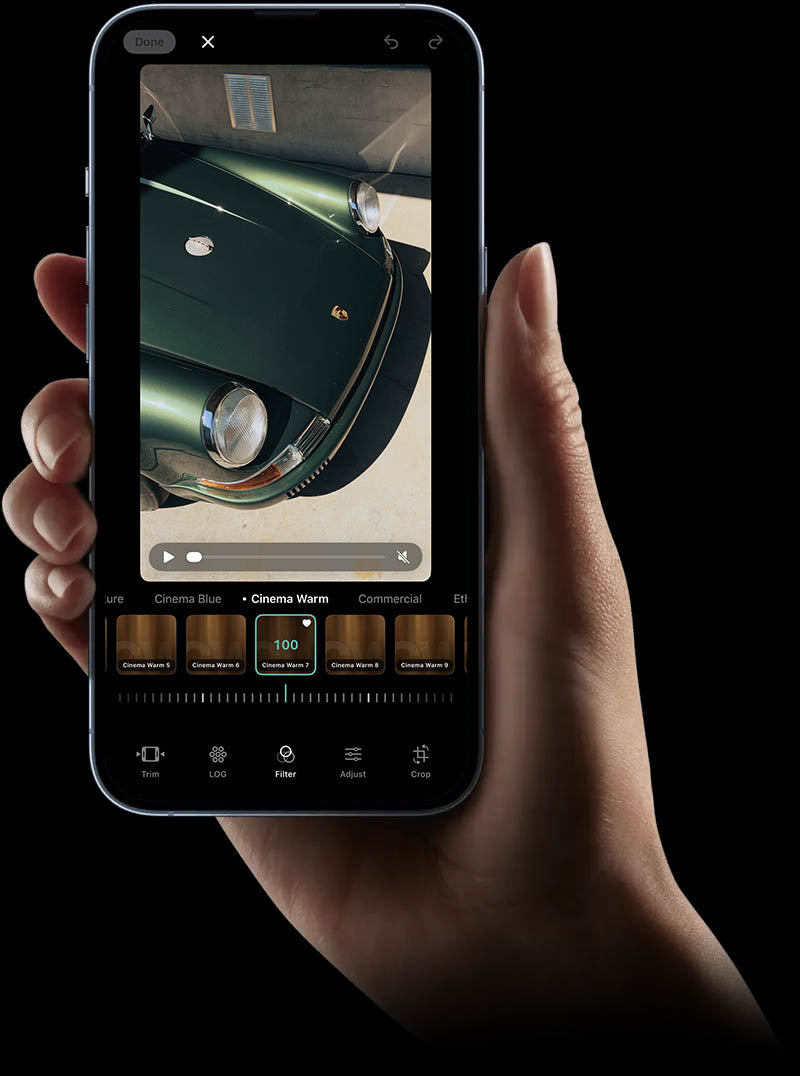

Tonelab is also available for iPhone.
Our desktop color-grading plugin is loved by thousands of creators. Now, we're bringing that exact power to mobile. Think of it as your native camera app, completely unlocked.
Download ToneLab Mobile