


Why use ToneLab Chroma?
Achieve a high-end look in just 3 clicks
Perfect for small production companies & freelancers
High-end conversion LUTs for all major cameras
Most LUTs lack precision - ours are fully optimized
Perfectly tuned conversion & creative looks
Organized into distinct color palettes
5000+
ToneLab users worldwide
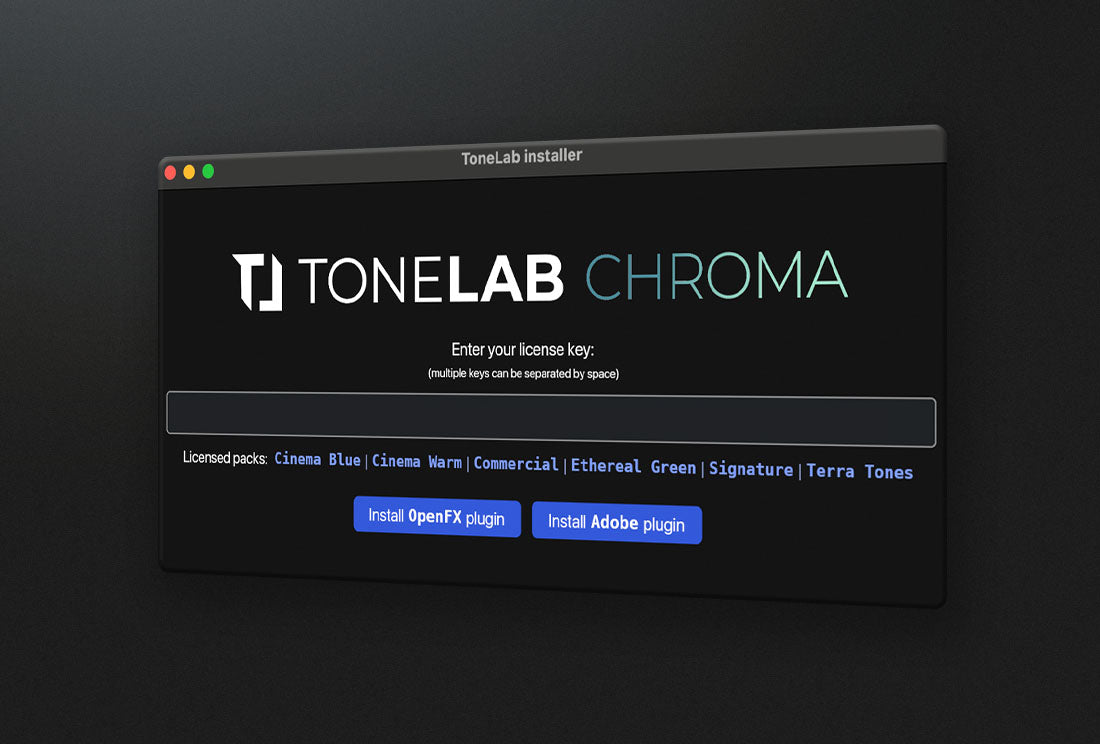
One click installation
The tool can be installed on both Windows and Mac for Premiere Pro and Davinci Resolve in one single click - fully automated so you don't have to worry about finding the right folder for your LUTs. After installing the tool, it will automatically show up in the Effects panel and is ready to be used.
To unlock all Creative Looks, get our Complete Chroma Bundle™.
Complete Chroma Bundle™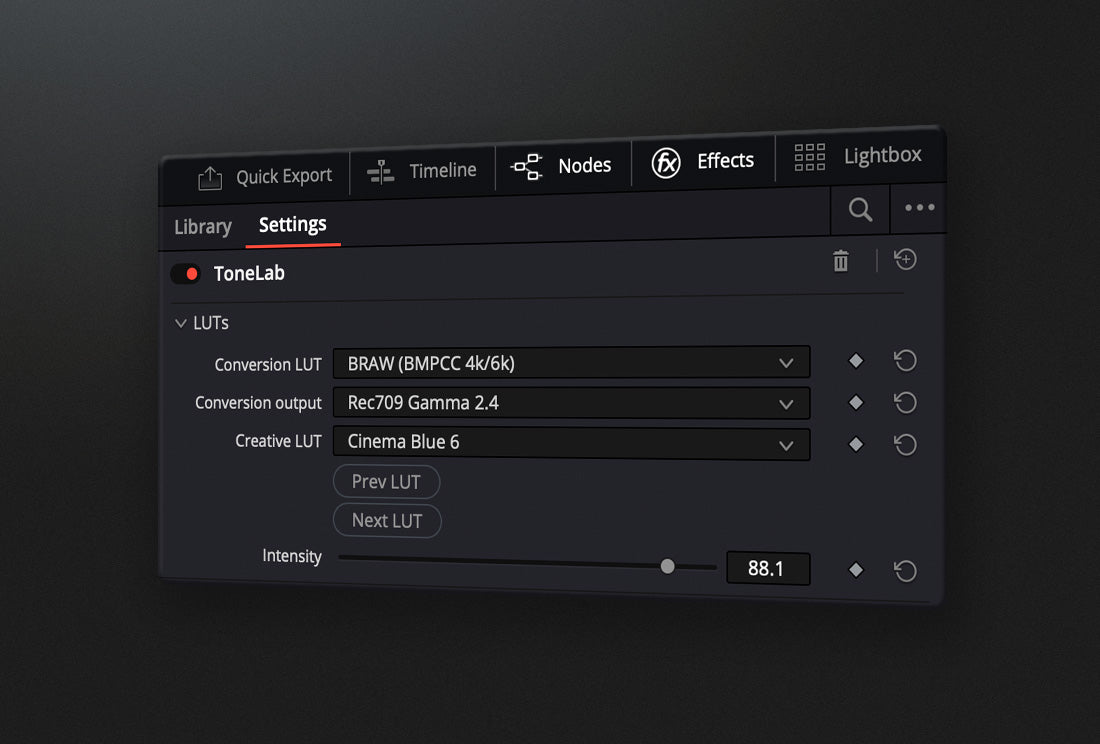
Apply and browse through LUTs in seconds
Say Goodbye to your regular 3D LUTS that you have to drag and drop into your project with no easy way of previewing them quickly.
Our easy to use plugin Tonelab Chroma™ makes applying LUTs effortless, all while speeding up your color grading process significantly.
From LOG to Final Grade in seconds
Check out how it works below
Step 1
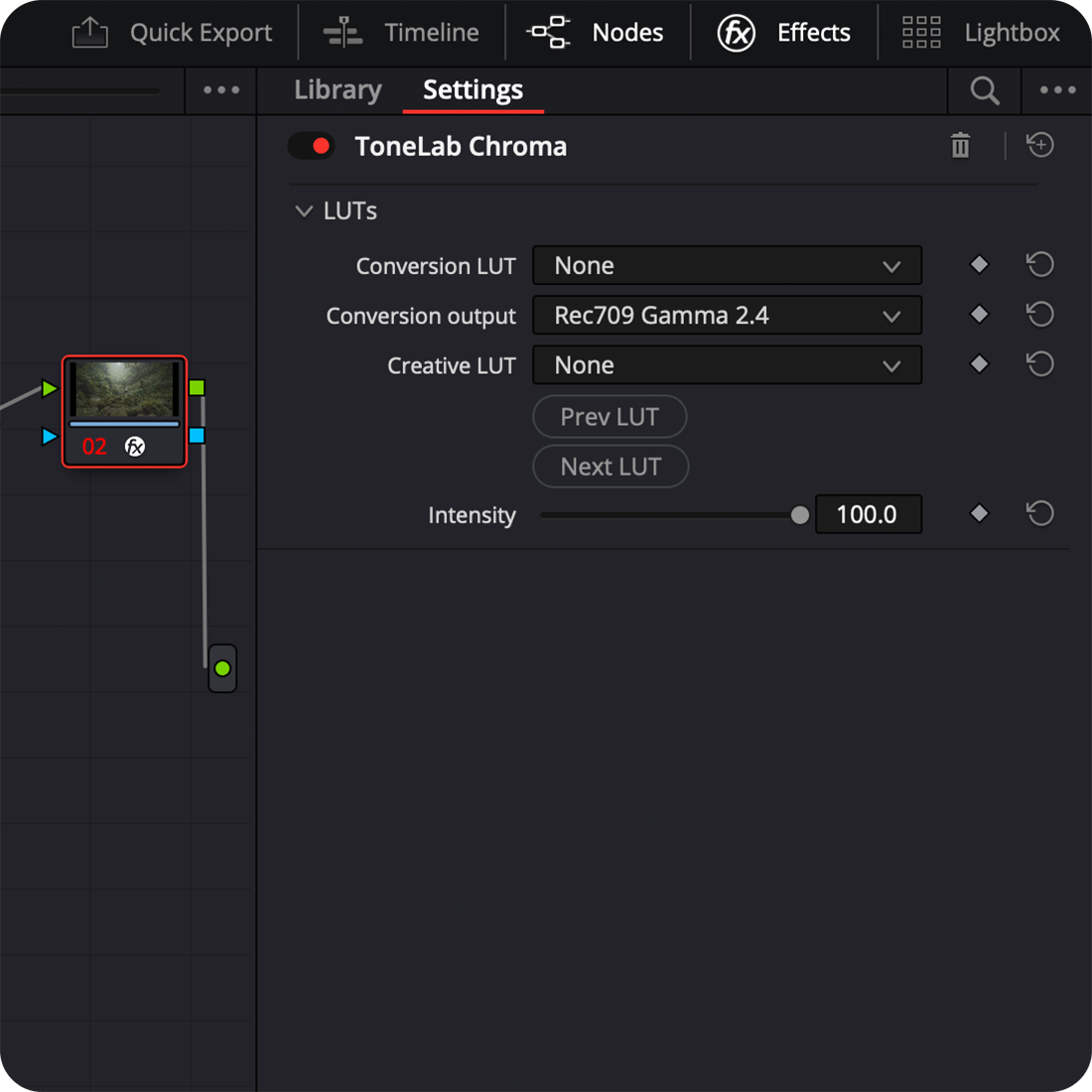
Open the tool
After installing the tool in either Davinci Resolve (shown in images) or Premiere Pro, simply apply it on the clip you want to color grade.
Images show Davinci Resolve 19.
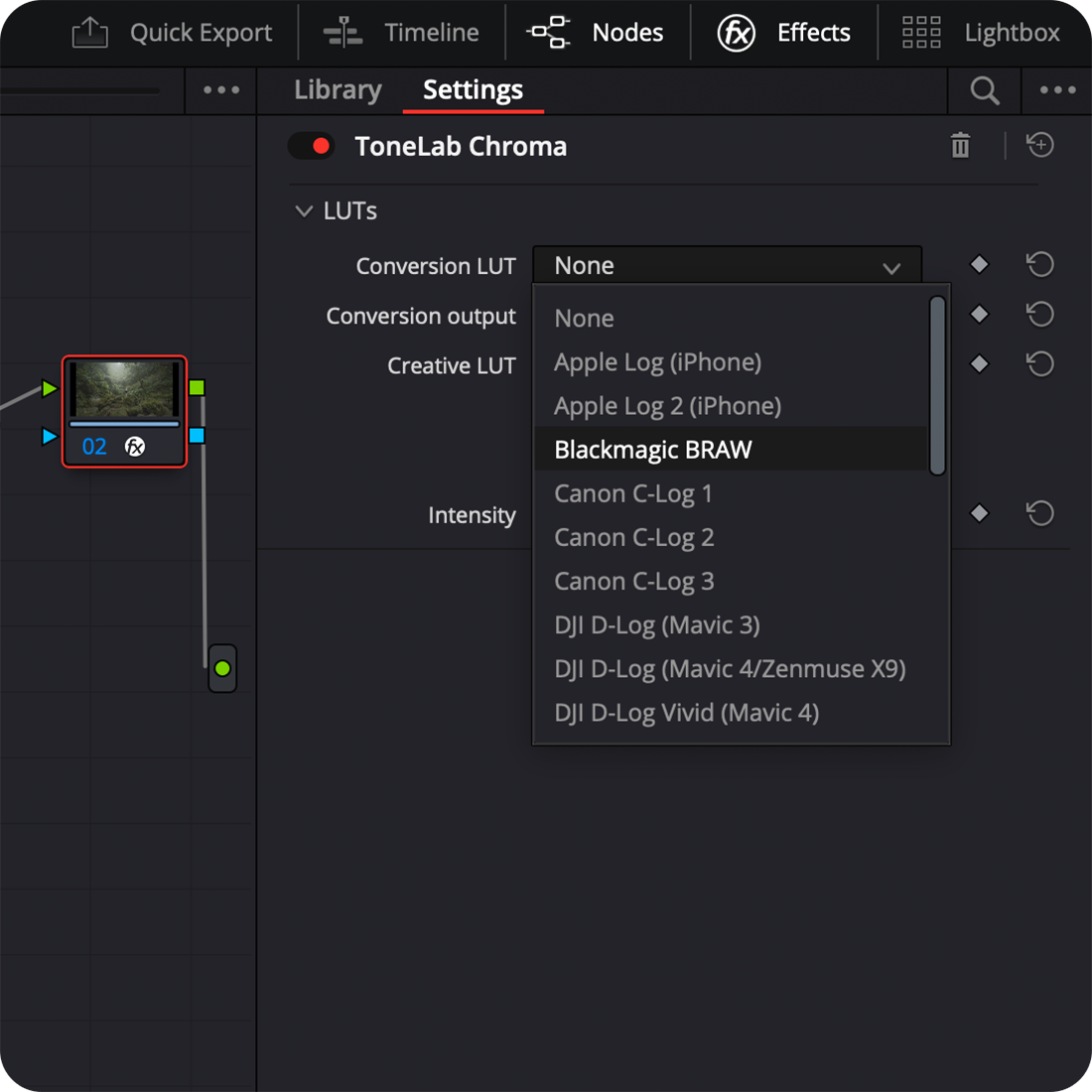
Step 2
Select a Conversion Lut
Depending on the camera the clip was taken with, choose one of our Cinema Conversion LUTs™ from the drop down menu.
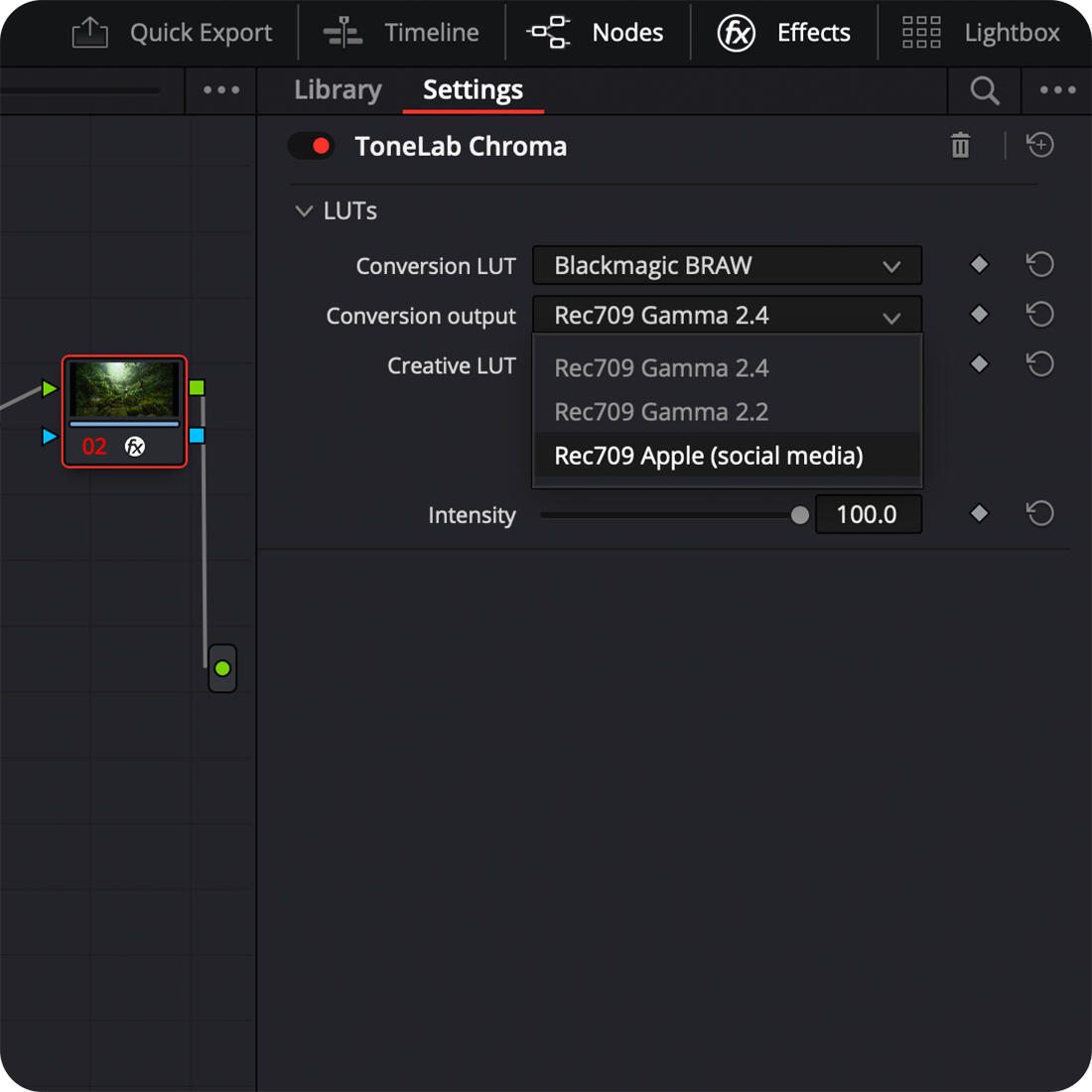
Step 3
Select a Conversion Output
Depending on your timeline settings, select one of the conversion outputs or leave on default.
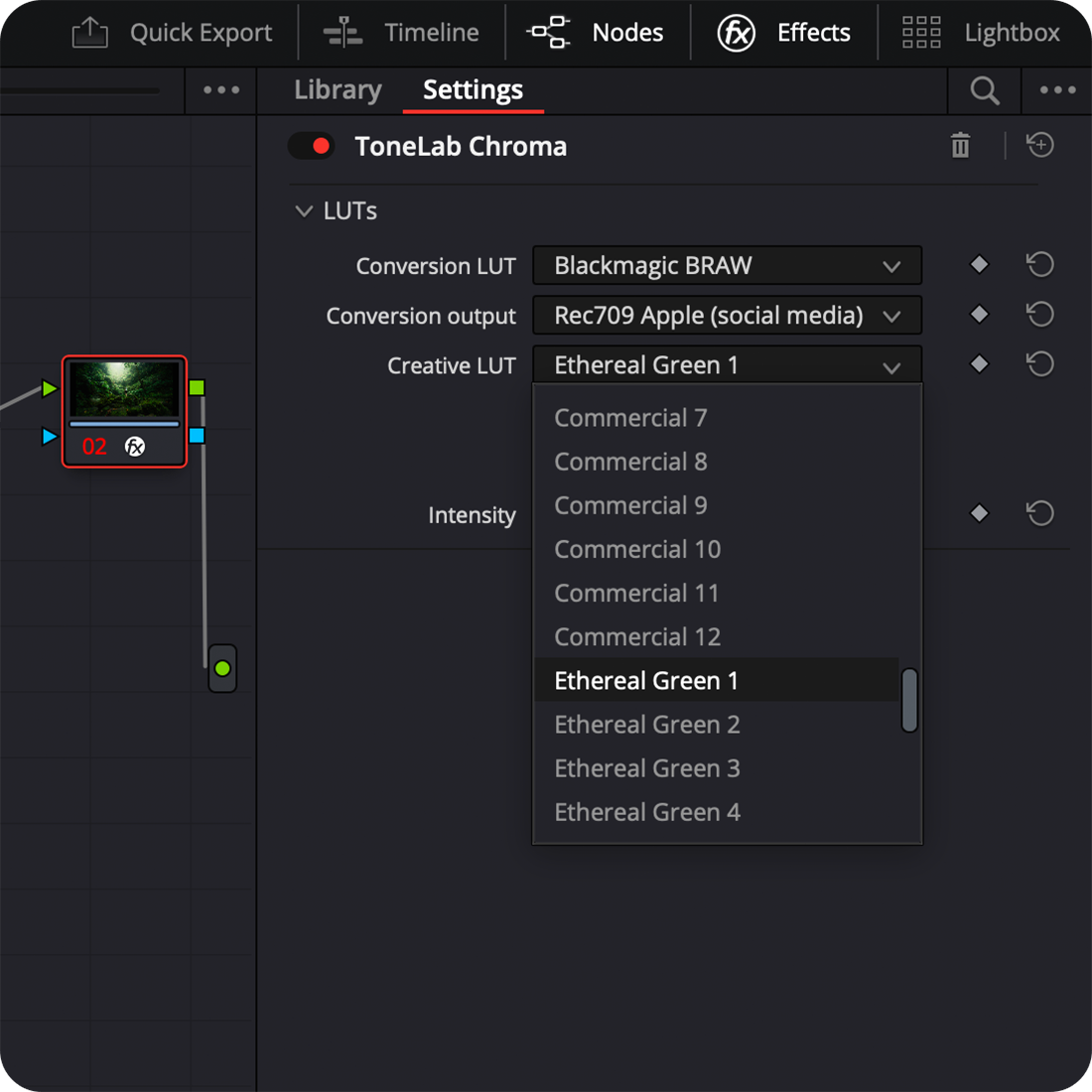
Step 4
Select a Creative Look
Pick a LUT of your liking and easily adjust the intensity with the slider if needed. You can either pick a LUT from the drop down menu or quickly skim through them by using the 'Next LUT' or 'Prev LUT' button.
Quick, easy and efficient!
65 Looks
as part of the Complete Chroma Bundle™
Complete Chroma Bundle™
Find your style in seconds.
With 65 Looks as part of the Complete Chroma Bundle™, quickly find the right mood and tones for your footage and apply them across similar footage for a color consistent edit.
Works with most cameras out there









Compatible with Premiere Pro, After Effects & Davinci Resolve
Watch the videos below to see how it works
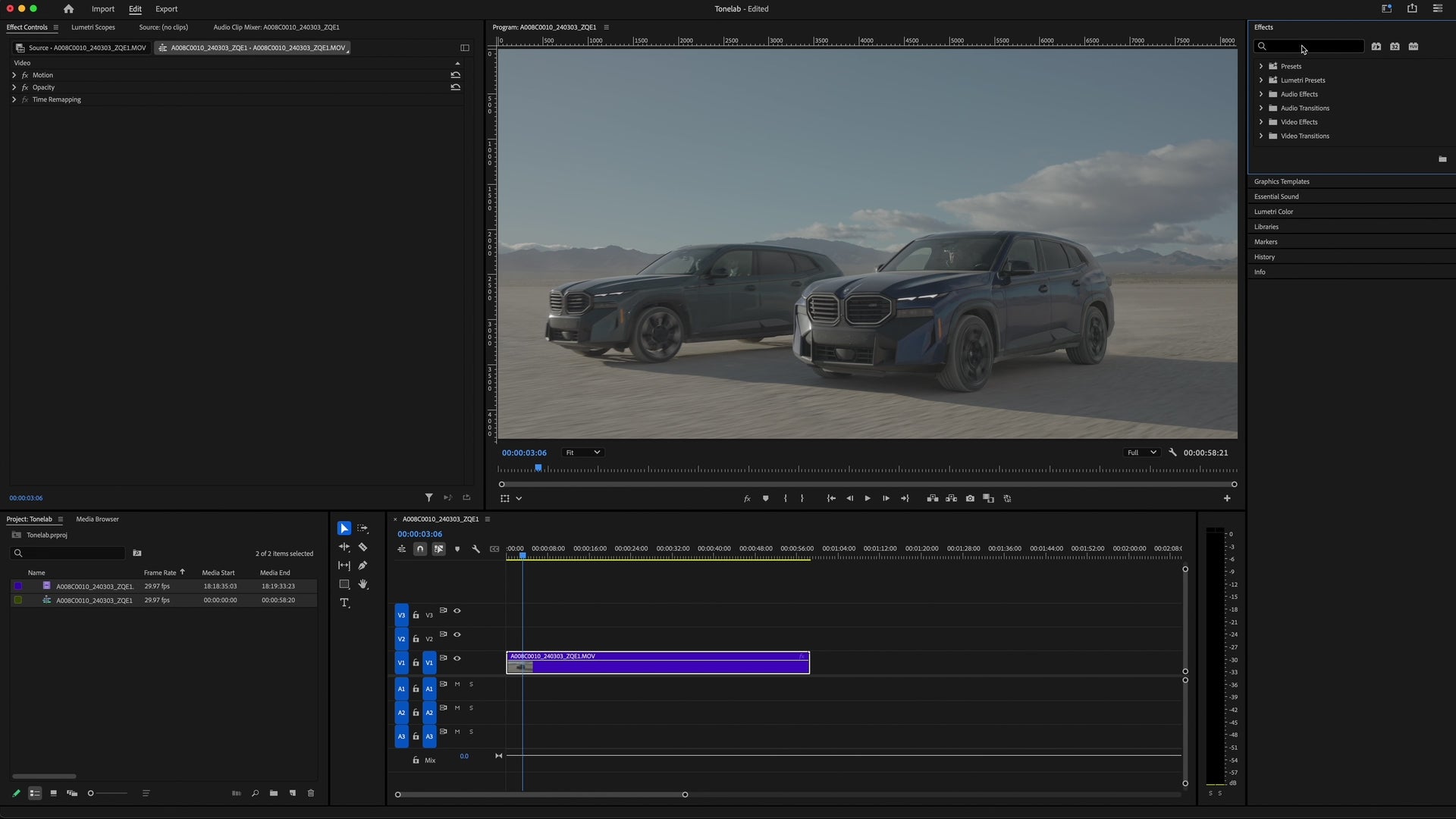
Premiere Pro
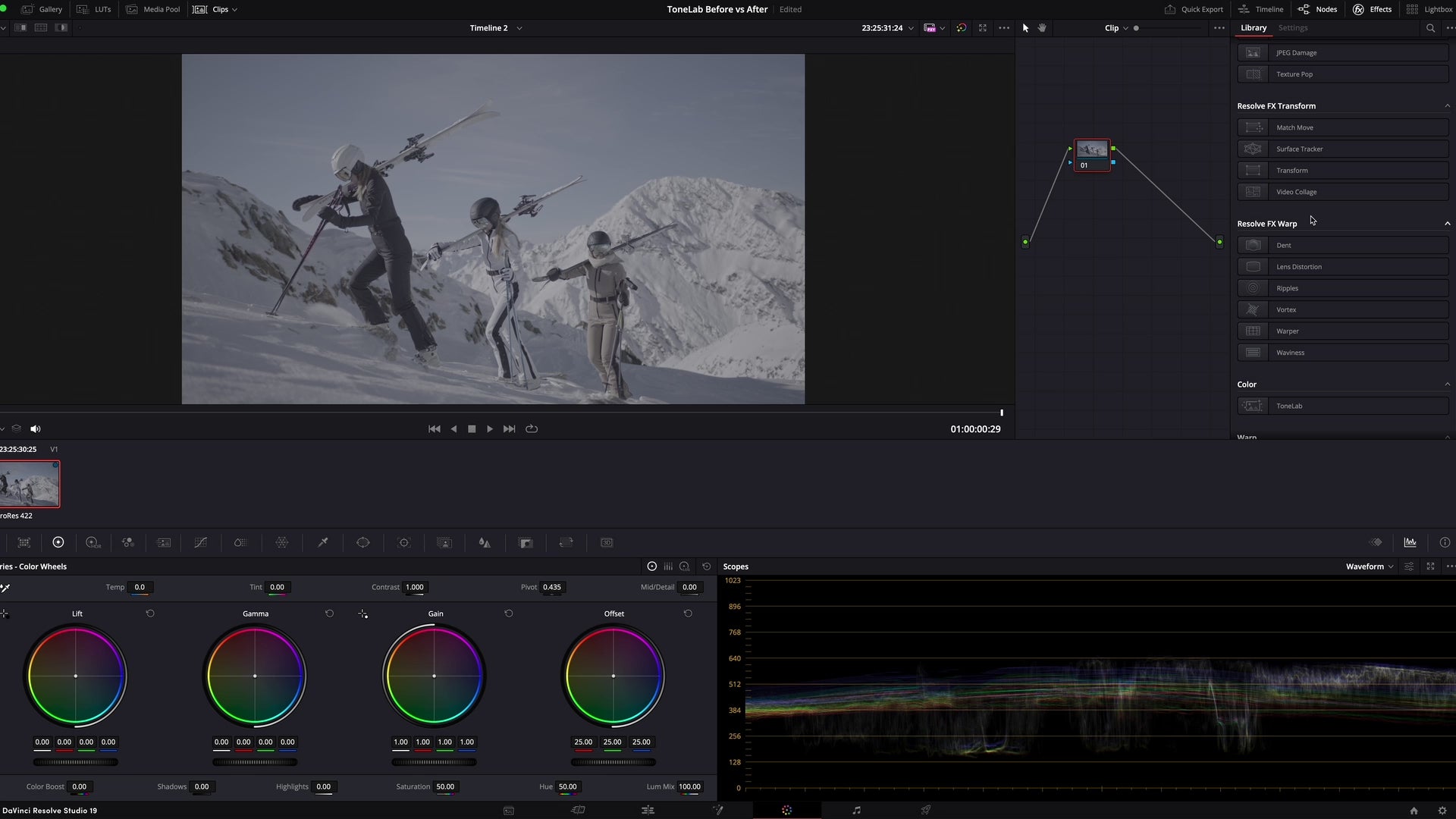
Davinci Resolve
Version History
We regularly maintain and update our tool to ensure you get the best experience possible. In order to update your plugin, simply open the ToneLab installer and run it again. It will remember the license key you entered earlier. Make sure DaVinci and/or Premiere Pro are closed during installation.
Bug fixes, minor improvements
Added support for Mavic 4 Pro, Apple Log 2, Fuijifilm Flog 2, Canon Clog 1, Sony SLog 2
Added support for Nikon N-Log, bug fixes
Added support for Panasonic V-Log
Updated Ember Conversion LUT, added support for F-Log
Bug fixes, minor improvements
Got more questions?
Hit the button below to contact us. We are happy to answer all your questions!
Contact our support team